Playing Discs5
24
Switching the Audio Language
DVD-Video
When playing a DVD-Video disc recorded
with dialog in two or more languages, you
can switch the audio language at anytime
during playback.
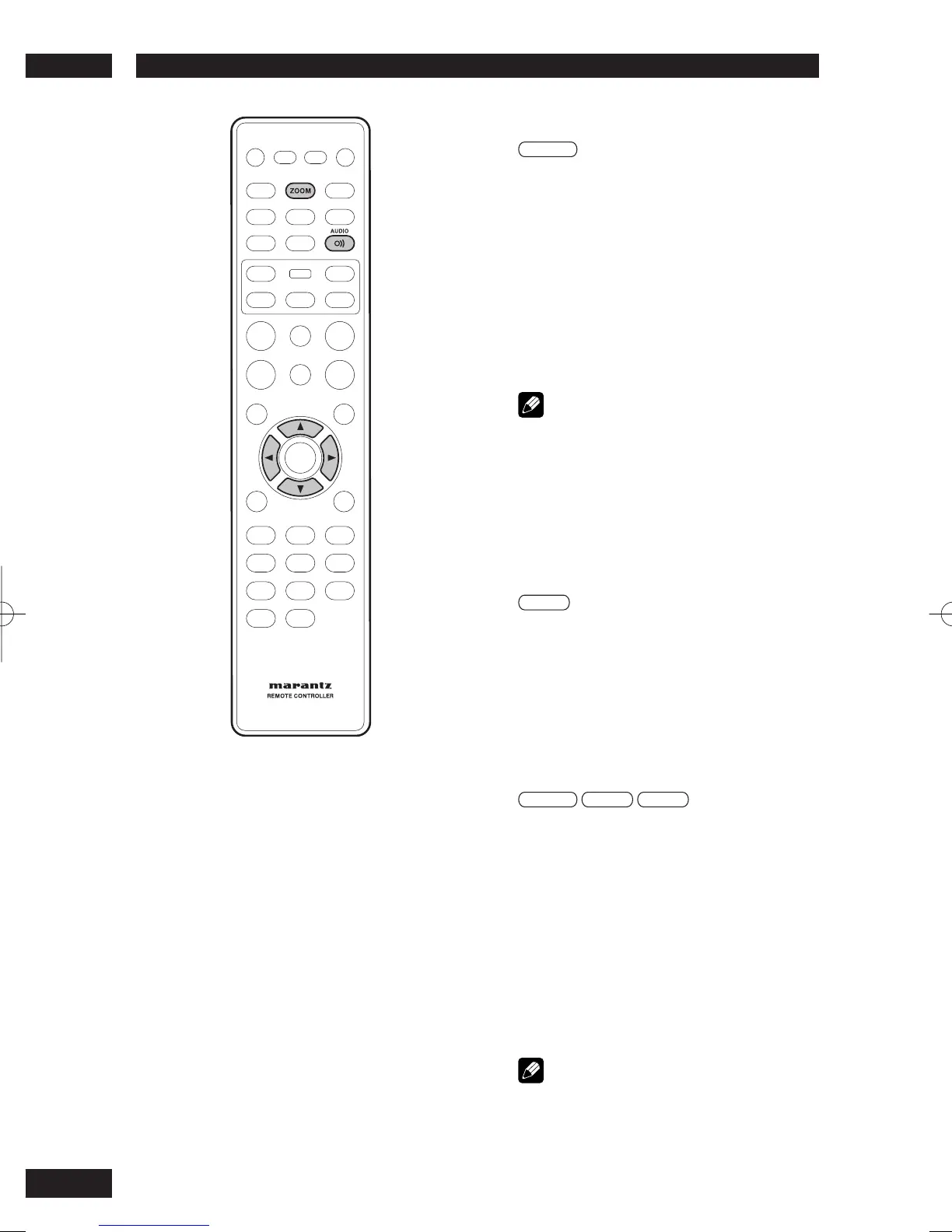
• To display/switch the audio language, press
AUDIO repeatedly.
The current audio language is shown on-screen.
• To set audio language preferences, see page
42.
Note
• Depending on the disc, there are cases in which the
audio language cannot be switched during play. In
this case, make changes using the DVD menu.
• It may take a few seconds till a selected Audio
Language is audible.
Switching the audio channel
Depending on the disc, this feature may not
work.
Video-CD
On Video CDs you can switch between
stereo, just the left channel, just the right
channel or Mixed Mono.
• To switch the audio channel, press AUDIO
repeatedly.
The current playback channel(s) are indicated on-
screen.
Using the Zoom Function
DVD-Video
Video-CD
JPEG
1 During play or pause mode, press the
ZOOM button on the remote control to
zoom in x2, x3, x4, x1/2, x1/3, x1/4,
Normal in order for DVD-Video or VCD and
100%, 125%, 150%, 200%, Normal in
order for JPEG.
2 Use the cursor buttons (
5
/
∞
/
2
/
3
) to
select the part of the screen you want to
zoom in on.
Note
• Zoom play cannot be used on some discs.
• Zoom will not operate properly for some scenes.
• Zooming may cause image deterioration or shaking.



 To Next Page