Playing Discs5
26
Angle
1 Press
5
/
∞
to highlight “Angle”, then press
ENTER to access.
2 Use the numeric keypad (0-9) to enter in a
valid number.
3 Press ENTER to confi rm.
Playback will go to the selected angle.
Time Search
1 Press
5
/
∞
to highlight “Time Disp.”, then
press ENTER to access.
The following display types appear on the TV,
depending on the disc in the player.
For DVD discs:
TT Elapsed - elapsed playing time of current Title;
TT Remain - remaining playing time of current Title;
CH Elapsed - elapsed playing time of current Chapter;
CH Remain - remaining playing time of current Chapter;
For VCD/SVCD discs:
To tal Elapsed - elapsed playing time of current Disc;
To tal Remain - remaining playing time of current Disc;
Single Elapsed - elapsed playing time of current Track;
Single Remain - remaining playing time of current Track;
2 Press
5
/
∞
to highlight “TT Time” / “CH
Time” / “Disc Time” or “Track Time”, then
press ENTER to access.
3 Use the numeric keypad (0-9) to enter a
valid time (e.g. 0:34:27).
4 Press ENTER to confi rm.
The playback skips to the chosen time.
Repeat
1 Press
5
/
∞
to highlight “REPEAT”, then
press ENTER to access.
2 Press
5
/
∞
to select the desired repeat
mode, then, press ENTER to access.
Time
CD
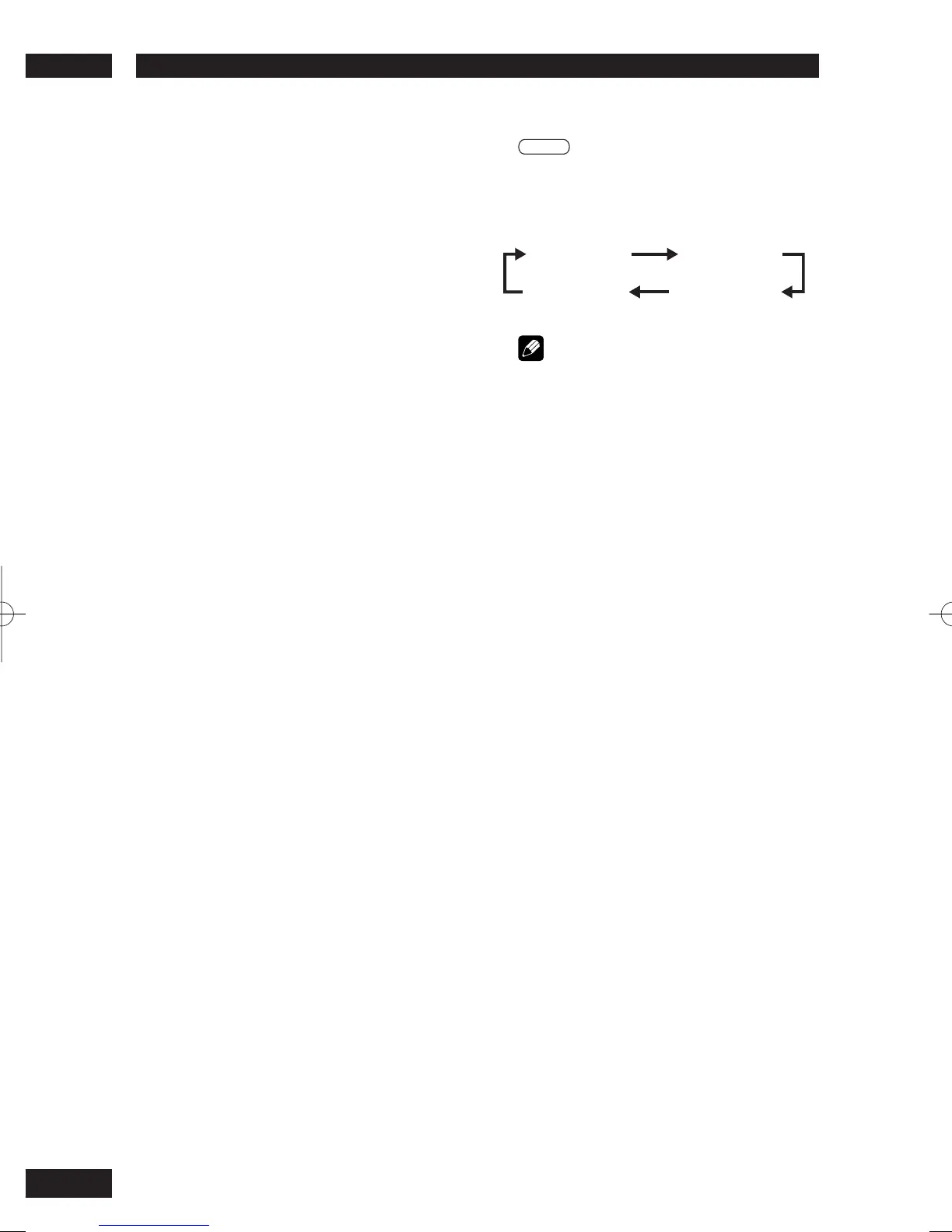
Press DISPLAY (DISP.) repeatedly during
playback to change the displayed disc time
information.
TOTAL ELAPSED
SINGLE ELAPSEDSINGLE REMAIN
TOTAL REMAIN
Note
• The above information is not displayed with a Video
CD playing in PBC mode.



 To Next Page