10
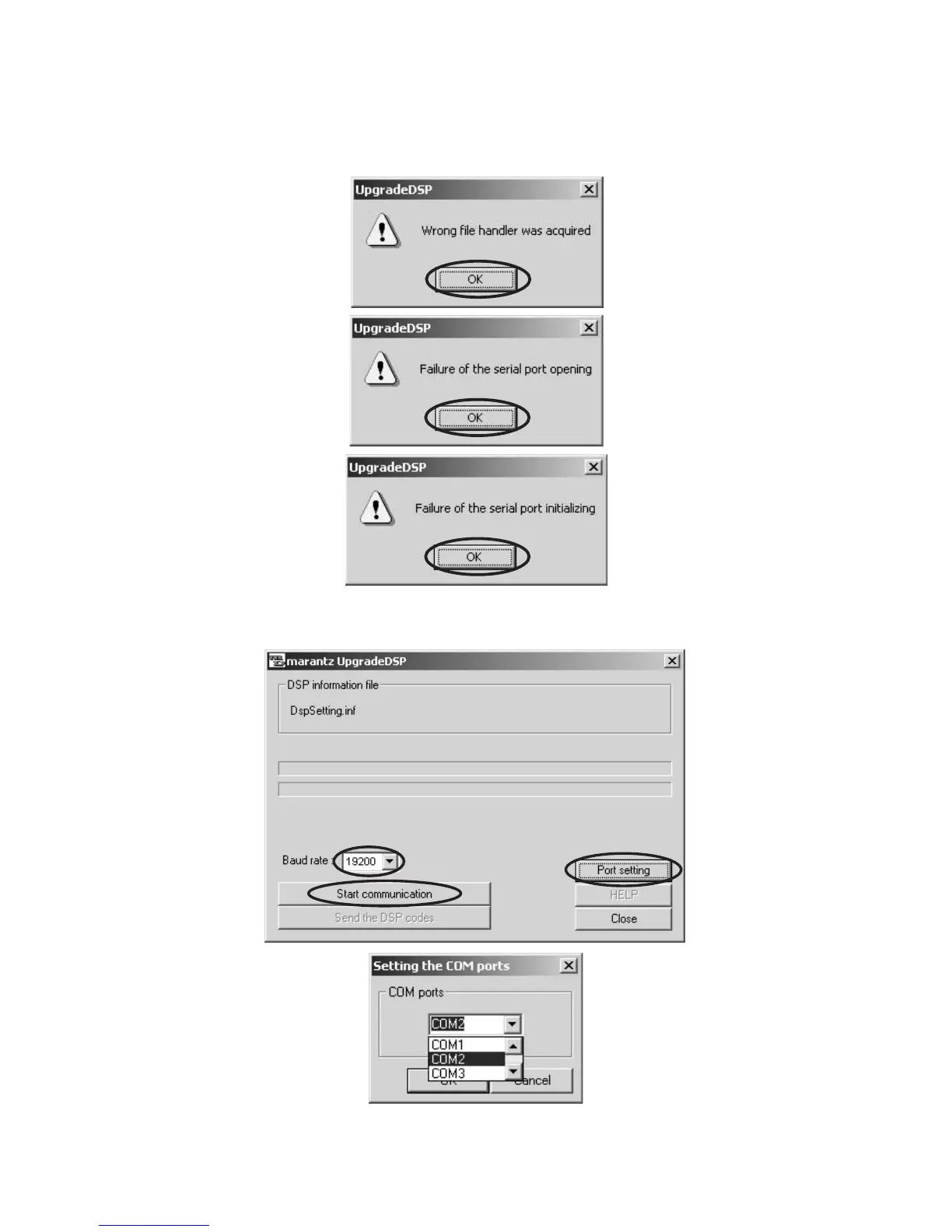
6. If the pictures shown below are displayed, click OK and
close. It is because a port setup of the port of PC and
writing software is different.
6. もしmarantzUpgradeDSPが立ち上がる前に下記のコメ
ントが出たら OK をクリックしてください。これは
marantzUpgradeDSPのPortsettingの初期値がCOM2
になっているためPC の設定でCOM2以外にセットアッ
プされている場合にこのコメントが出ます。
7. Click Port setting, and select the COM Port No. 7. Portsetting をクリックし、COMports を設定します。



 To Next Page