34
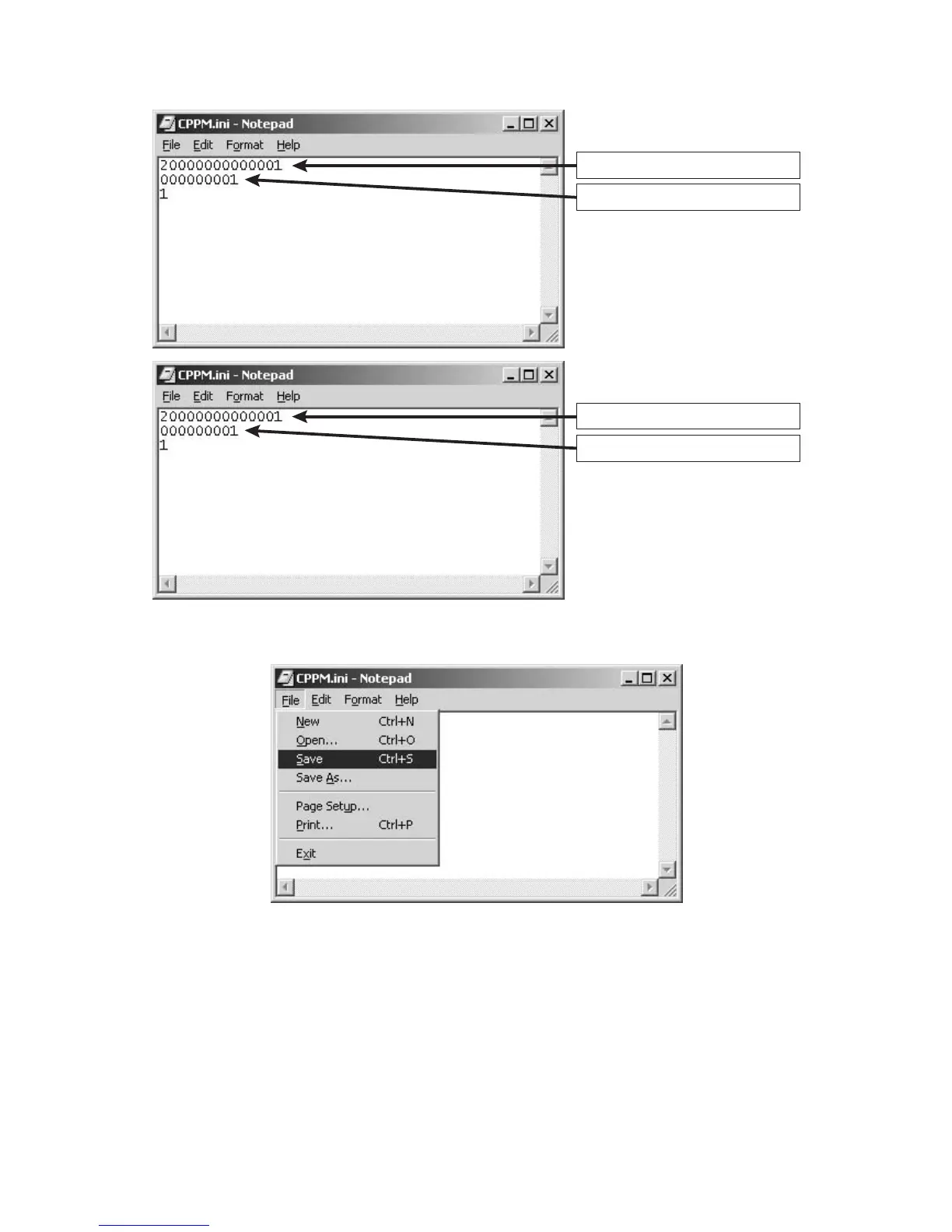
4. Type in the serial number of DVD Player to the first line.
And type in ID number to the second line.
4. 一行目にDVDPlayerのシリアルナンバーを入力します。
二行目に ID ナンバーを入力します。
5. Click the “Save Ctrl+S” in the File. 5. File から SaveCtrl+S をクリックして保存します。
Input the 14 digits serial number.
Input the 9 digits ID number.
14桁のシリアルナンバーを入力
9桁のIDナンバーを入力



 To Next Page