5
1
2
3
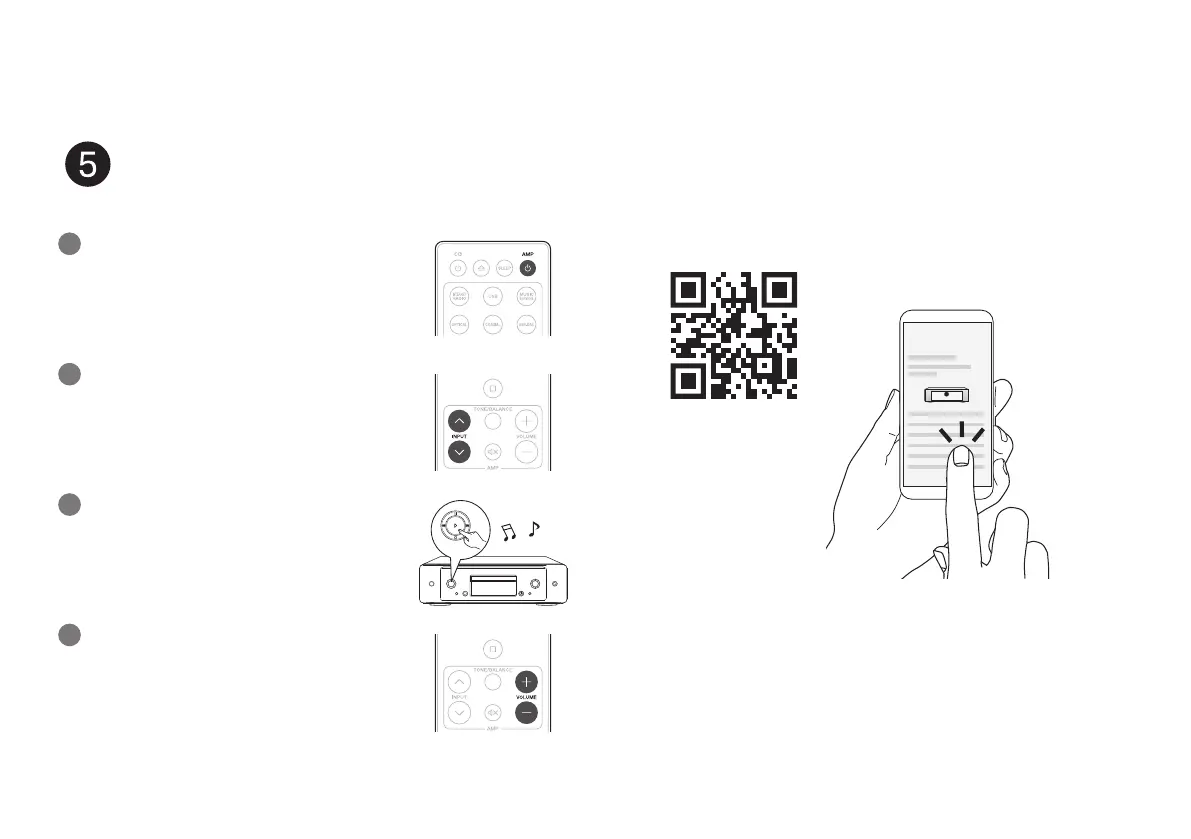
Press the power operation button.
Set the input source to “CD”.
Play the CD player.
Begin CD playback
4
Adjust the volume.
Online Manual
Owner’s Manual
• Refer to the Online Manual for other functions information and
operation procedure details.
manuals.marantz.com/Model30/NA/EN/
• For more information, visit www.marantz.com
1.MODEL 30 U_ENG_QSG_200518.indd 51.MODEL 30 U_ENG_QSG_200518.indd 5 2020/05/26 16:56:522020/05/26 16:56:52



 To Next Page