5
Select “Start”, then press ENTER.
Audyssey
®
Setup can also make the following settings.
0
Channel Select
If channels that are not to be used are set in advance,
measurement for the set channels is skipped, and measuring
time can be reduced. You can also change the number of
subwoofer.
6
Follow the instructions on the screen display and press
“Next” to proceed further.
7
When the following screen is displayed, select “Begin
Test” and then press ENTER.
Start the measurement of the first position.
.
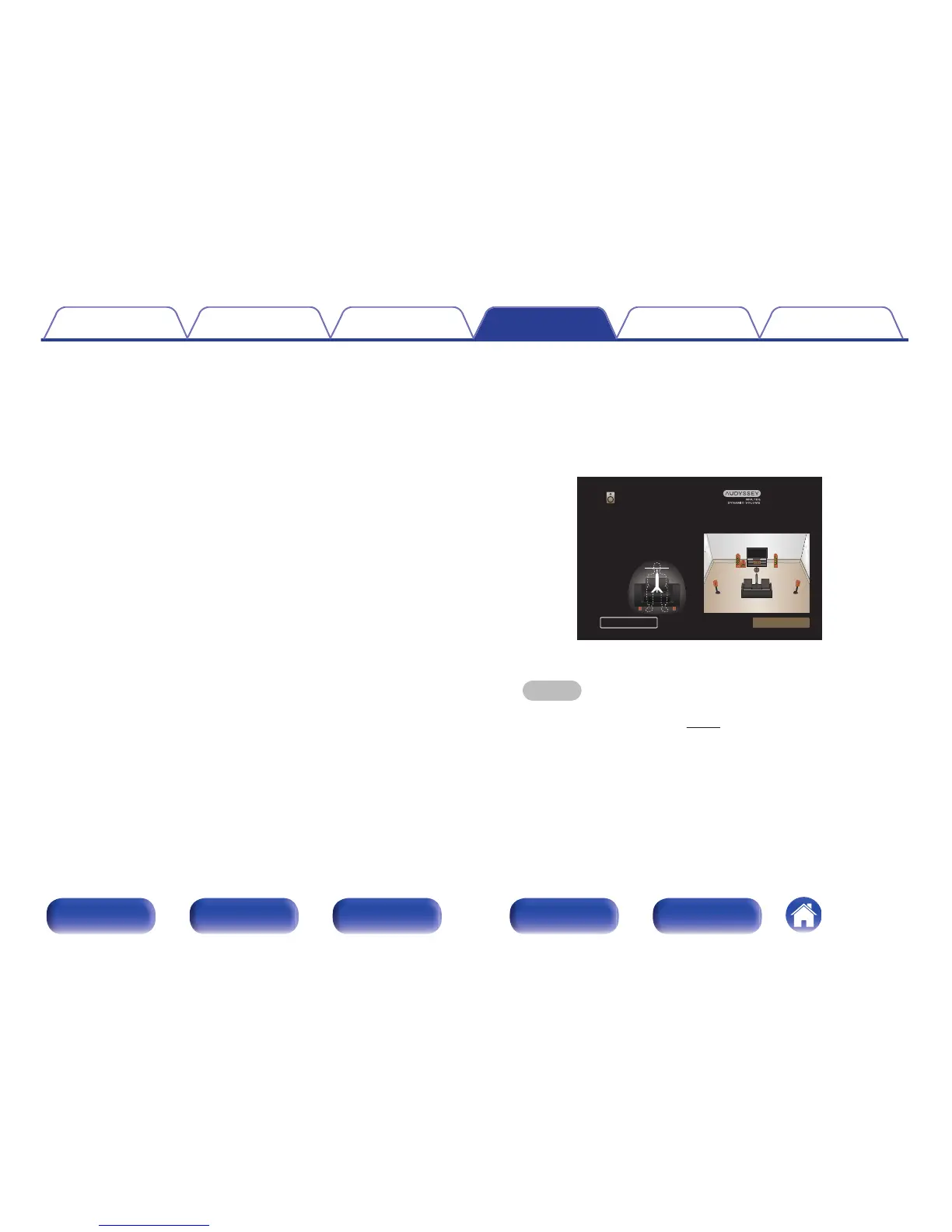
Place the microphone at ear level at the main listening position.
Make sure you are always 50 cm from the back wall of your
room for each test.
Ear Height
NextBack
Audyssey Setup
0
Measurement requires several minutes.
NOTE
0
If “Caution!” is displayed on TV screen:
0
Go to “Error messages” (v p. 157). Check any related items, and
perform the necessary procedures.
Contents Connections Playback Settings Tips Appendix
152
Front panel Display Rear panel Remote Index


 To Next Page