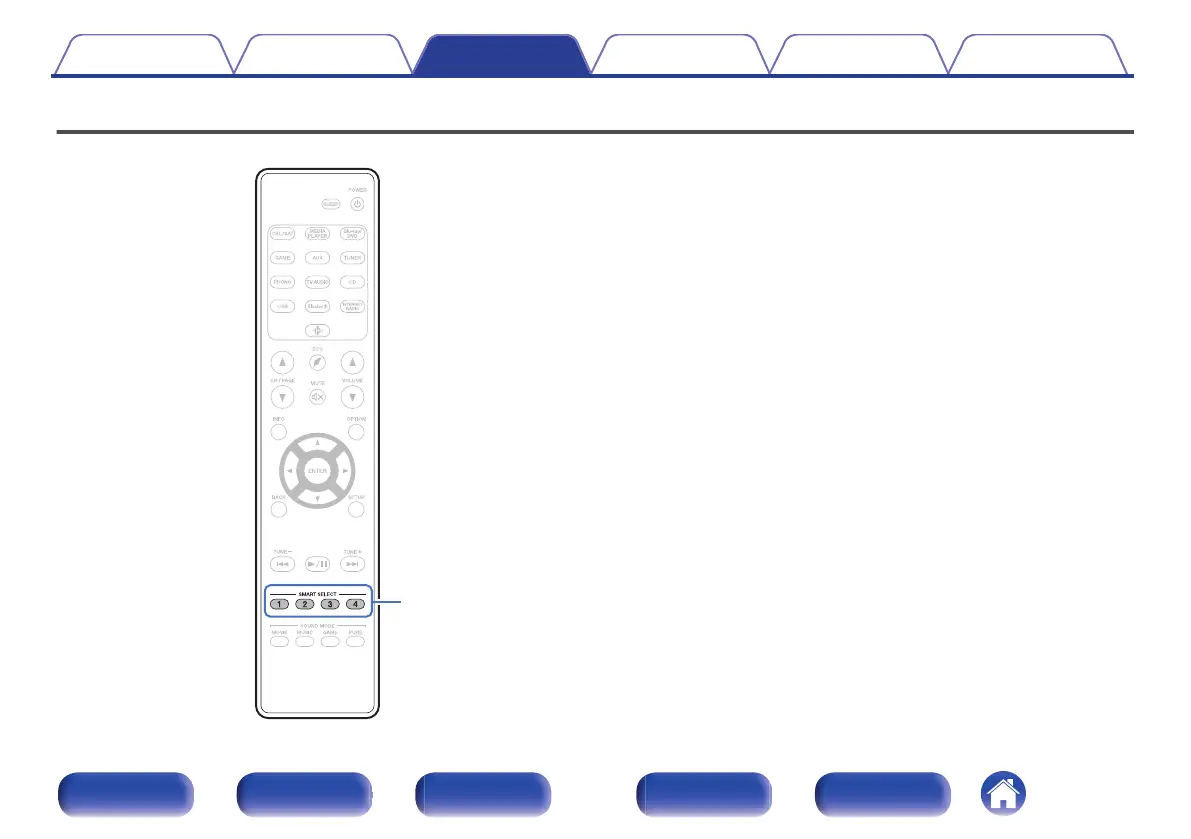
Smart select function
.
Settings such as the input source, volume level and sound mode can be
registered to the SMART SELECT 1 - 4 buttons.
You can simply press one of the registered SMART SELECT buttons in
subsequent playbacks to switch to the group of saved settings in a batch.
By saving frequently used settings at the SMART SELECT 1 – 4 buttons,
you will always be able to easily call up the same playback environment.
Contents Connections Playback Settings Tips Appendix
112
Front panel Display Rear panel Remote Index



 To Next Page