3
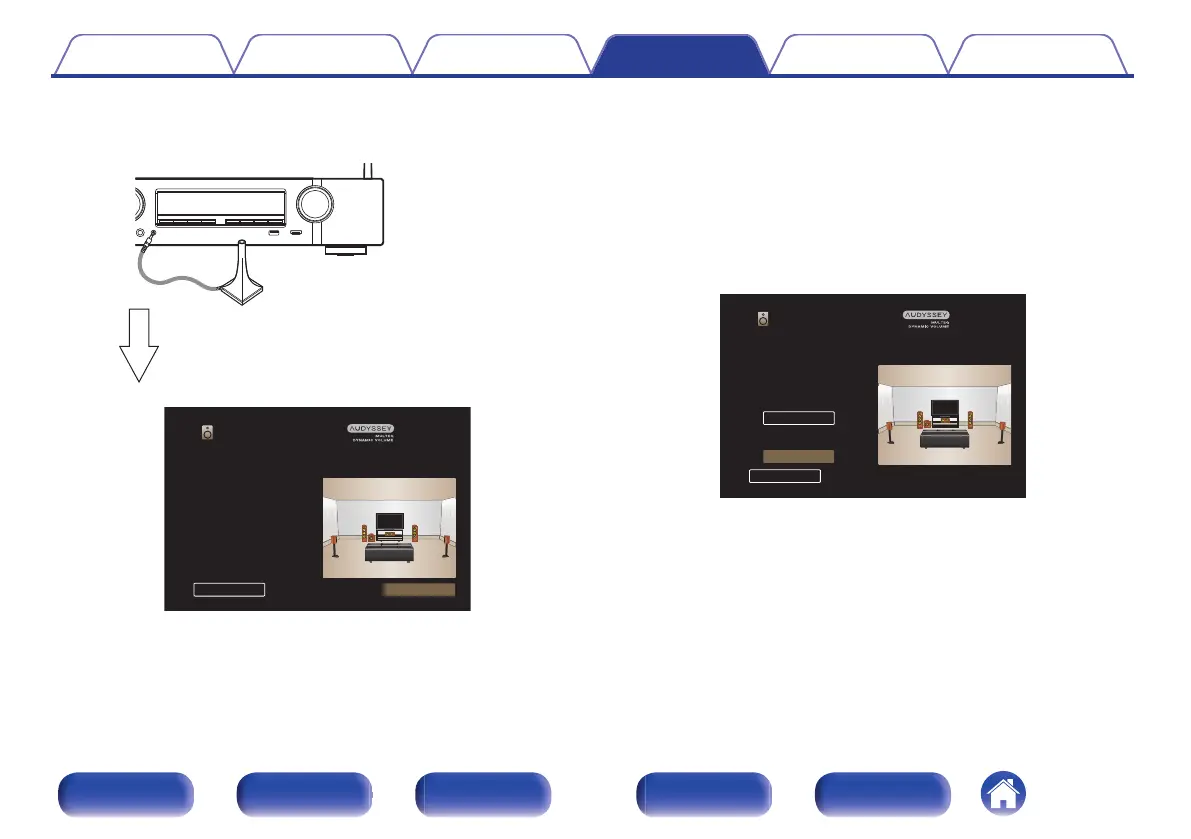
Connect the Sound calibration microphone to the
SETUP MIC jack of this unit.
.
When the Sound calibration microphone is
connected, the following screen is displayed.
.
Audyssey Setup
Your AV receiver can automatically measure the
acoustics of your room then optimize your
speakers using the included microphone
and microphone stand.
NextBack
4
Select “Next”, then press ENTER.
5
Select “Start”, then press ENTER.
Audyssey
®
Setup can also make the following settings.
0
Channel Select
If channels that are not to be used are set in advance,
measurement for the set channels is skipped, and measuring
time can be reduced.
.
Audyssey Setup
Set the following items if necessary.
Start
Back
Channel Select
Contents
Connections Playback Settings Tips Appendix
152
Front panel Display Rear panel Remote Index



 To Next Page