EasyManua.ls Logo

Marantz PM500 - Page 4

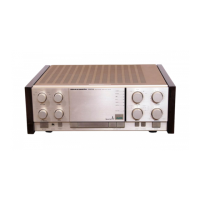
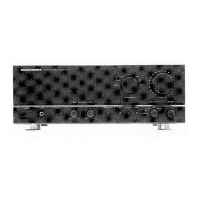
Marantz PM500
37 pages
Print Icon
To Next Page IconTo Next Page
To Previous Page IconTo Previous Page
Loading...
i
"tte
tigntitati
—
CLE
LP
ET
456
5
|
1.
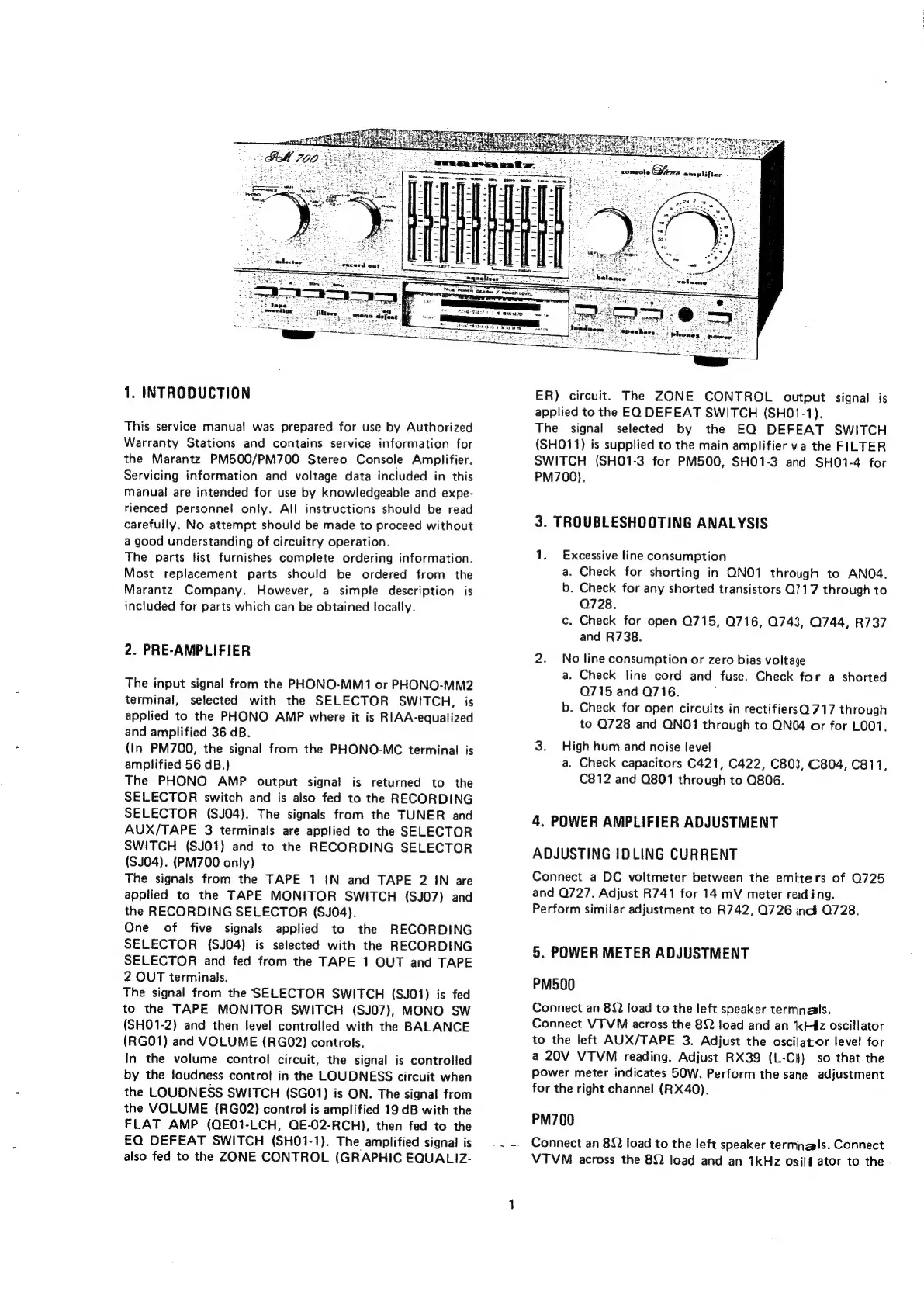
INTRODUCTION
This
service
manual
was
prepared
for
use
by
Authorized
Warranty
Stations
and
contains
service
information
for
the
Marantz
PM500/PM700
Stereo
Console
Amplifier.
Servicing
information
and
voltage
data
included
in
this
manual
are
intended
for
use
by
knowledgeable
and
expe-
rienced
personnel
only.
All
instructions
should
be
read
carefully.
No
attempt
should
be
made
to
proceed
without
a
good
understanding
of
circuitry
operation.
The
parts
list
furnishes
complete
ordering
information.
Most
replacement
parts
should
be
ordered
from
the
Marantz
Company.
However,
a
simple
description
is
included
for
parts
which
can
be
obtained
locally.
2.
PRE-AMPLIFIER
The
input
signal
from
the
PHONO-MM1
or
PHONO-MM2
terminal,
selected
with
the
SELECTOR
SWITCH,
is
applied
to
the
PHONO
AMP
where
it
is
RIAA-equalized
and
amplified
36
dB.
(In
PM700,
the
signal
from
the
PHONO-MC
terminal
is
amplified
56
dB.)
The
PHONO
AMP
output
signal
is
returned
to
the
SELECTOR
switch
and
is
also
fed
to
the
RECORDING
SELECTOR
(SJ04).
The
signals
from
the
TUNER
and
AUX/TAPE
3
terminals
are
applied
to
the
SELECTOR
SWITCH
(SJO1)
and
to
the
RECORDING
SELECTOR
(SJ04).
(PM700
only)
The
signals
from
the
TAPE
1
1N
and
TAPE
2
IN
are
applied
to
the
TAPE
MONITOR
SWITCH
(SJO7)
and
the
RECORDING
SELECTOR
(SJ04).
One
of
five
signals
applied
to
the
RECORDING
SELECTOR
(SJ04)
is
selected
with
the
RECORDING
SELECTOR
and
fed
from
the
TAPE
1
OUT
and
TAPE
2
OUT
terminals.
The
signal
from
the
SELECTOR
SWITCH
(SJO1)
is
fed
to
the
TAPE
MONITOR
SWITCH
(SJ07),
MONO
SW
(SHO1-2)
and
then
level
controlled
with
the
BALANCE
(RGO1)
and
VOLUME
(RGO02)
controls.
In
the
volume
control
circuit,
the
signal
is
controlled
by
the
loudness
control
in
the
LOUDNESS
circuit
when
the
LOUDNESS
SWITCH
(SG01)
is
ON.
The
signal
from
the
VOLUME
(RGO2)
control
is
amplified
19
dB
with
the
FLAT
AMP
(QE01-LCH,
QE-02-RCH),
then
fed
to
the
EQ
DEFEAT
SWITCH
(SH01-1).
The
amplified
signal
is
also
fed
to
the
ZONE
CONTROL
(GRAPHIC
EQUALIZ-
ER)
circuit.
The
ZONE
CONTROL
output
signal
is
applied
to
the
EQ
DEFEAT
SWITCH
(SHO1-1).
The
signal
selected
by
the
EQ
DEFEAT
SWITCH
(SHO11)
is
supplied
to
the
main
amplifier
via
the
FILTER
SWITCH
(SHO1-3
for
PM500,
SHO1-3
and
SHO1-4
for
PM700).
3.
TROUBLESHOOTING
ANALYSIS
1.
Excessive
line
consumption
a.
Check
for
shorting
in
QNO1
through
to
ANO4.
b.
Check
for
any
shorted
transistors
Q717
through
to
Q728.
c.
Check
for
open
Q715,
Q716,
0743,
0744,
R737
and
R738.
2.
No
line
consumption
or
zero
bias
voltage
a.
Check
line
cord
and
fuse.
Check
for
a
shorted
Q715
and
Q716.
;
b.
Check
for
open
circuits
in
rectifiersQ717
through
to
Q728
and
QNO1
through
to
QN(@4
or
for
L001.
3.
High
hum
and
noise
level
a.
Check
capacitors
C421, C422,
C803,
C804,
C811
C812
and
Q801
through
to
Q806.
,
4,
POWER
AMPLIFIER
ADJUSTMENT
ADJUSTING
IDLING
CURRENT
Connect
a
DC
voltmeter
between
the
emitters
of
Q725
and
Q727.
Adjust
R741
for
14
mV
meter
reading.
Perform
similar
adjustment
to
R742,
Q726
nd
Q728.
5.
POWER
METER
ADJUSTMENT
PM500
Connect
an
82
load
to
the
left
speaker
terminals.
Connect
VTVM
across
the
8Q
load
and
an
kHz
oscillator
to
the
left
AUX/TAPE
3.
Adjust
the
oscilator
level
for
a
20V
VTVM
reading.
Adjust
RX39
(L-Ci}
so
that
the
power
meter
indicates
50W.
Perform
the
sane
adjustment
for
the
right
channel
(RX40).
PM700
Connect
an
82
load
to
the
left
speaker
terminals.
Connect
VTVM
across
the
8Q
load
and
an
1kHz
osi/#
ator
to
the

Related product manuals