1
Thank you for choosing a Marantz AV
receiver. This guide provides step-by-
step instructions for setting up your AV
receiver.
Please do not return this unit to the
store – call for assistance.
If you need help… :
If you need additional help in solving
problems, contact Marantz customer
service in your area.
1-855-ONE-Marantz
1-855-663-6272
Call for Assistance:
Monday – Friday 10:00AM to 10:00PM E.S.T,
Saturday 12:00PM to 8:00PM E.S.T
For frequently asked questions please visit
http://marantz.custhelp.com/app/answers/list
For US and Canada only
Welcome Before You Begin
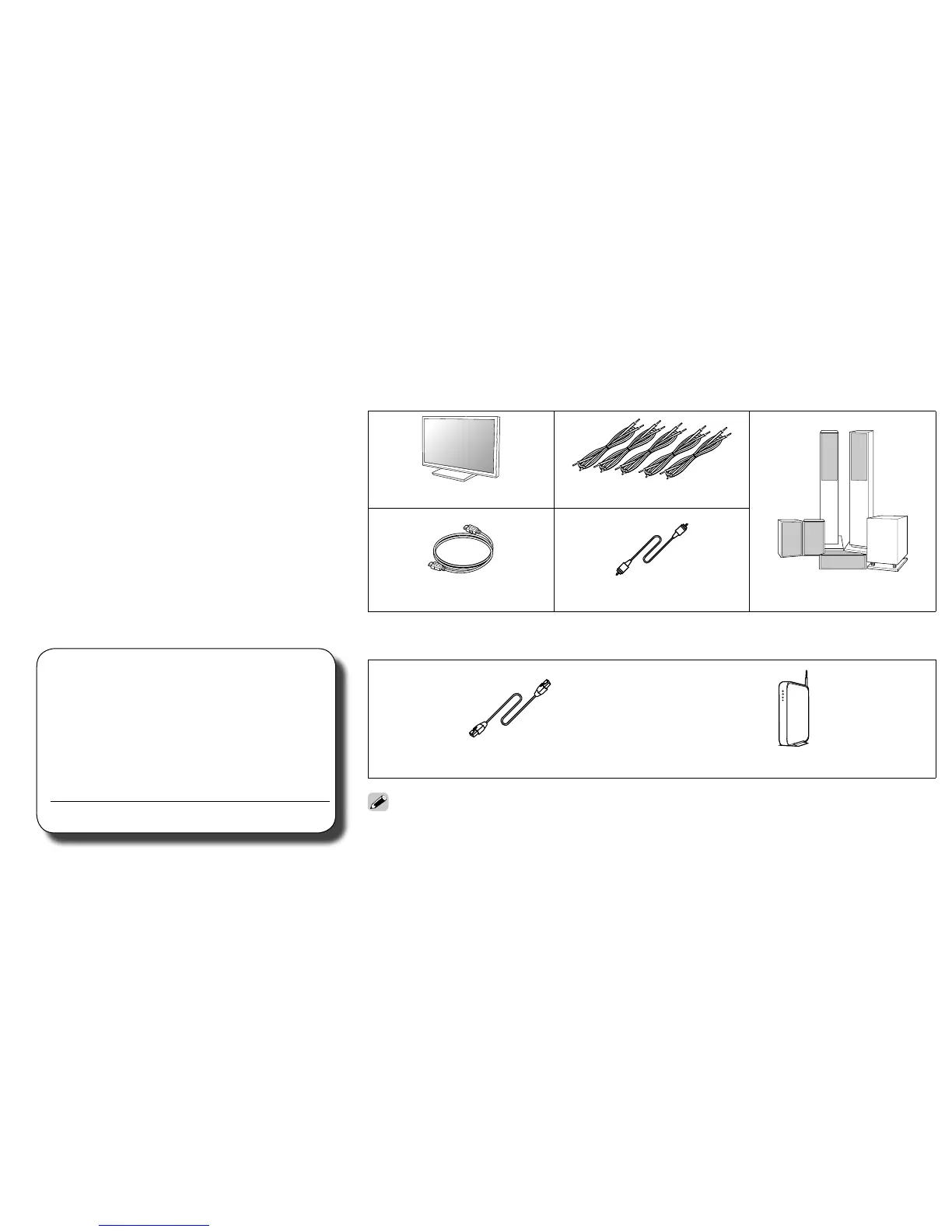
Required for Setup
TV Speaker cables
HDMI cable Subwoofer cable Speaker systems
Optional
LAN cable Wi-Fi router
• When connecting this unit to a device that is compatible with the Deep Color, 4K and ARC
functions, use a “High Speed HDMI cable with Ethernet” that displays the HDMI logo.
• These drawings are for illustrative purposes only and may not represent the actual product(s).
or



 To Next Page