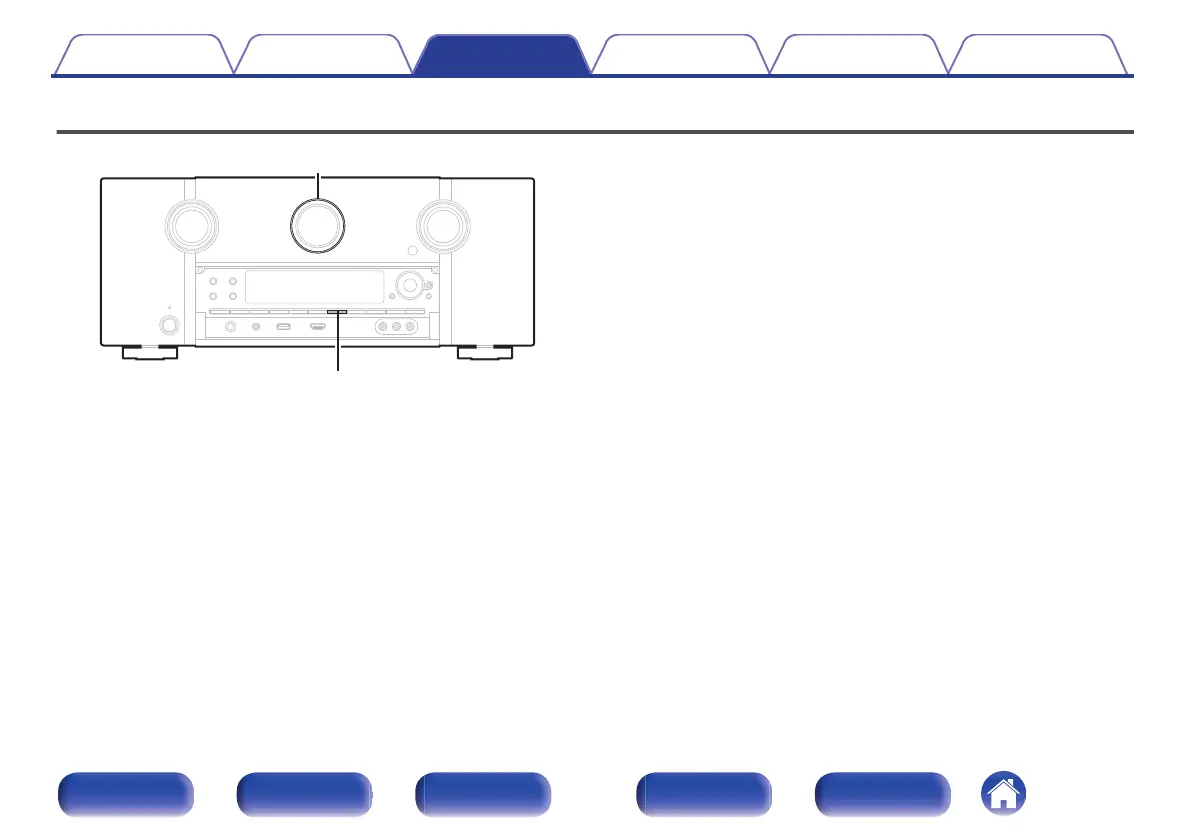
Switches light illumination on/off
.
You can switch the light illumination around the main display on or off.
The default setting is “On”.
1
Press and hold DIMMER on the main unit for 3
seconds.
0
Carry out the same procedure if you want to change the settings
again.
Contents Connections Playback Settings Tips Appendix
154
Front panel Display Rear panel Remote Index



 To Next Page