OVERVIEW
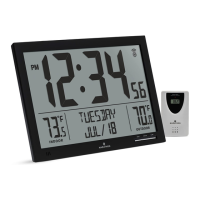
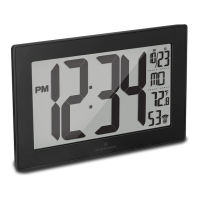
Congratulations on your purchase of this projection
alarm clock. This alarm clock includes the following
features: time, date, month, temperature display,
alarm clock, backlit display, time projection, 180º
adjustable angle, ultra-clear projection for dark /
poorly lit conditions.
POWERING THE CLOCK
There are 2 ways to power the clock.
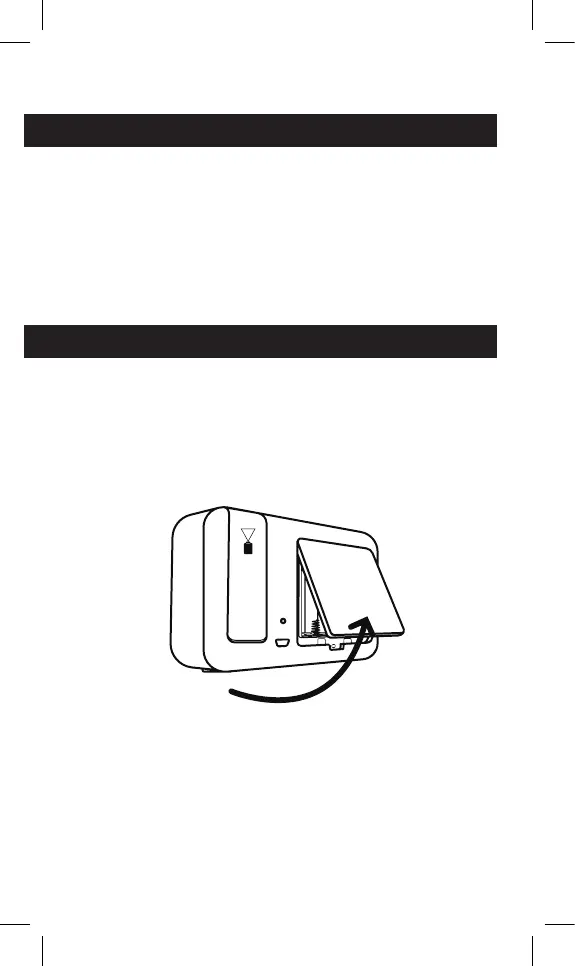
1. Using Batteries: Open the rear cover of the
clock. Insert 3 AAA batteries to power up
the clock.
2. Using AC Power: Connect the micro USB cable
to the wall adapter. Connect the other end of
the micro USB cable to the clock. Plug into wall
outlet to power up the clock.



 To Next Page