3. During time display, press the “ ” button to
change the time format between 12Hr /
24Hr format.
NOTE:
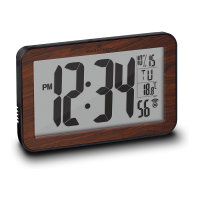
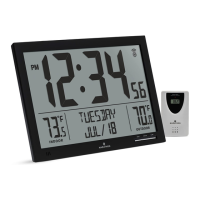
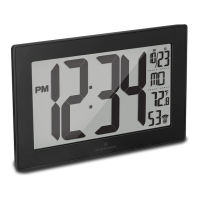
1. If you selected the 12Hr mode, the screen
will display “AM” in the morning and “PM” in
the afternoon.
2. If you selected the 24Hr mode, “AM” / “PM”
icon will not appear on screen.
ALARM SETTING
Alarm sound duration: 3 minutes
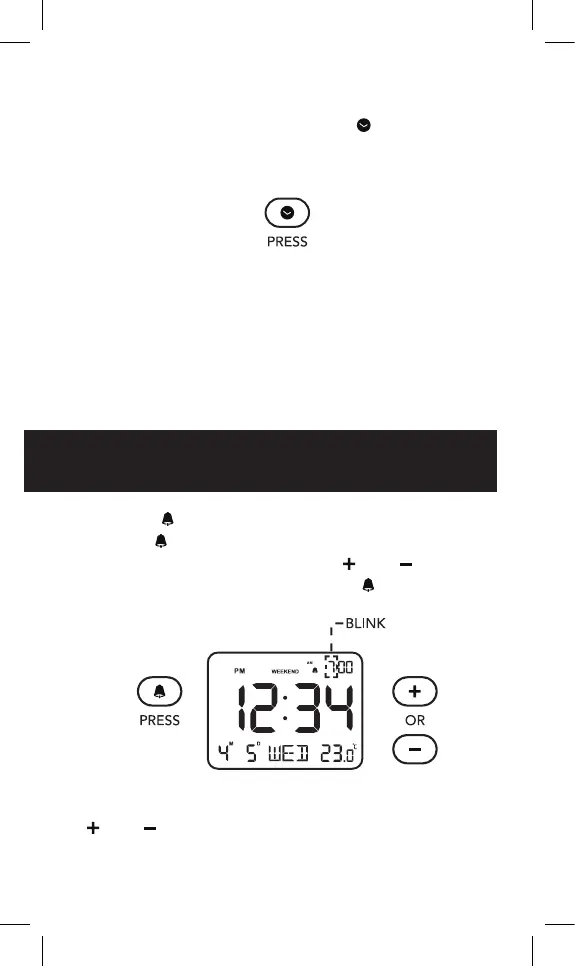
1. Press “ ” to turn on / off the alarm. Press and
hold “
” button until the hour starts blinking to
enter alarm set mode. Press “
” or “ ” to
change the hour setting, press “
” to save.
NOTE: To quickly adjust the time, press and hold
“
” or “ ” button.



 To Next Page