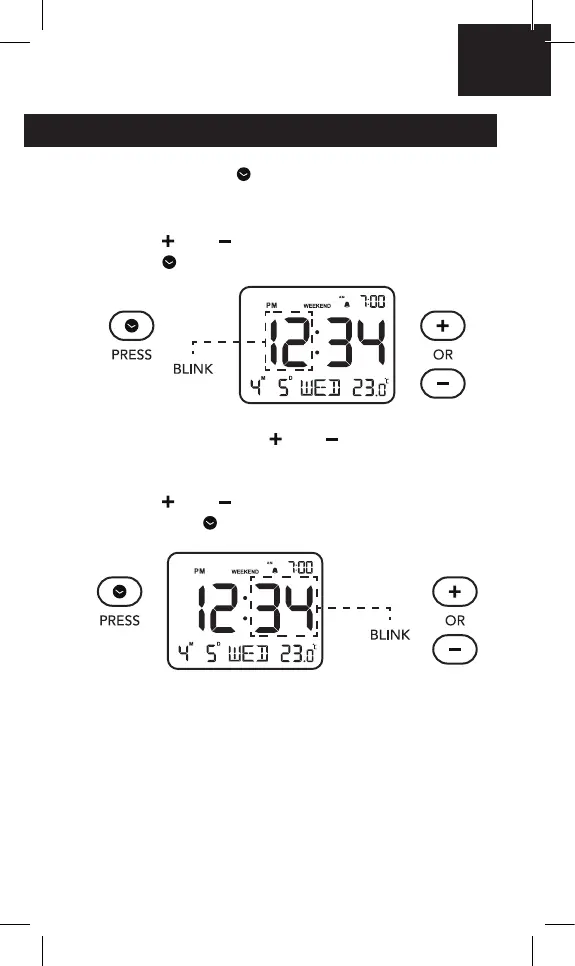
TIME SETTING
1. Press and hold “ ” button to activate the time
setting mode. the hour will start to blink once
you are in time setting mode.
Press “
” or “ ” button to adjust the hour, then
press “
” to save.
NOTE: Press and hold “
” or “ ” to quickly adjust.
2. Press “
” or “ ” button to adjust the minute,
then press “
” to save.
NOTE: 20 seconds without operation will
automatically conrm, and return to the time display
mode.
EN



 To Next Page