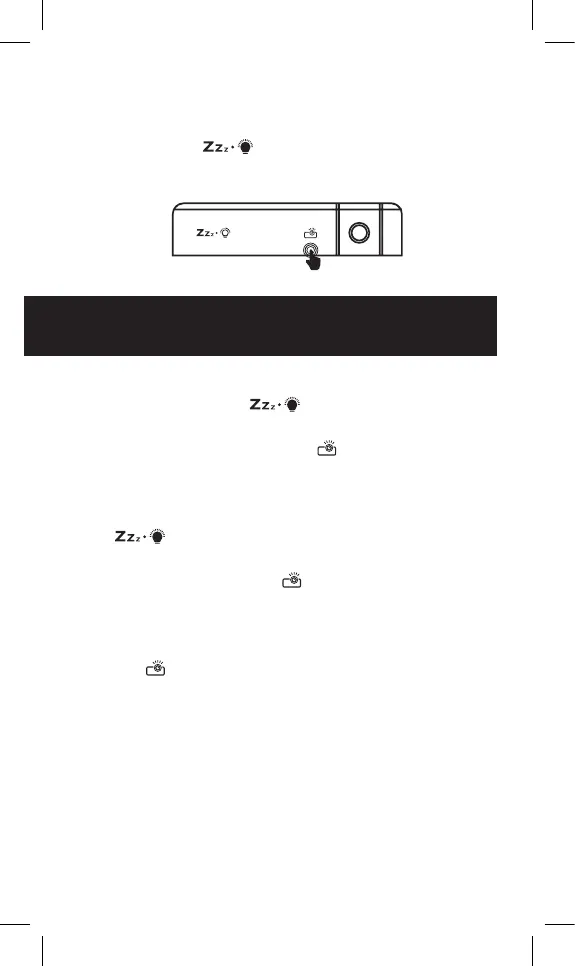
2. When the alarm goes off, pressing any button
other than “
” will turn off the
alarm completely.
ADJUSTING BACKLIGHT /
PROJECTION BRIGHTNESS
1. When powering from the USB power
cable: Press the “
” button once to turn
on the backlight, then press it again to adjust
the brightness. Press the “
” button once
to turn on the time projection. Press it again to
adjust brightness.
2. When powering from the batteries: Press the
“
” button once to turn on the backlight.
It will automatically turn off the backlight after
5 seconds. Press the “
” button to turn on the
time projection. It will automatically turn off the
projection after 10 seconds.
3. Rotating projection orientation: Press and hold
the “
” button. It will rotate the projected
image 180º.




 To Next Page