6
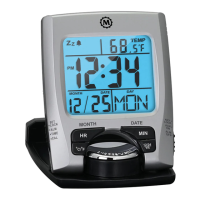
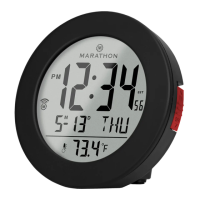
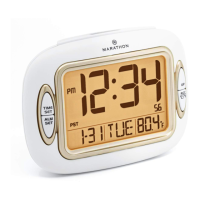
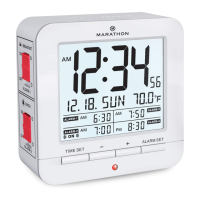
FEATURES
•
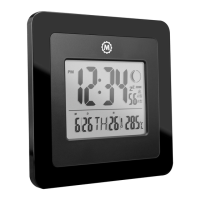
Time in 12/24 hour formats
•
Four alarms
•
Calendar year up to 2099
•
Soft-touch snooze and backlight functions
•
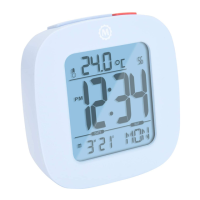
Indoor temperature readings from -9.9 °C to 50 °C
•
Temperature displayed in °C/°F
BATTERY INSTALLATION
Open the battery compartment and insert 2 AA size batteries
following the correct polarity. Once done, snap the cover back
in. The clock is now ready for use.
NOTE: The clock settings will be lost if the batteries are
removed.
MANUAL TIME SETTING
1. In time display mode, press and hold the TIME SET button
until the digits ash. The ashing digit is the one currently
being set.


 To Next Page