Service Manual 1000660 T5 1000661 T10 1000665 PB5 1000666 PB10 Ecoboiler 231109.doc Page 6 of 22
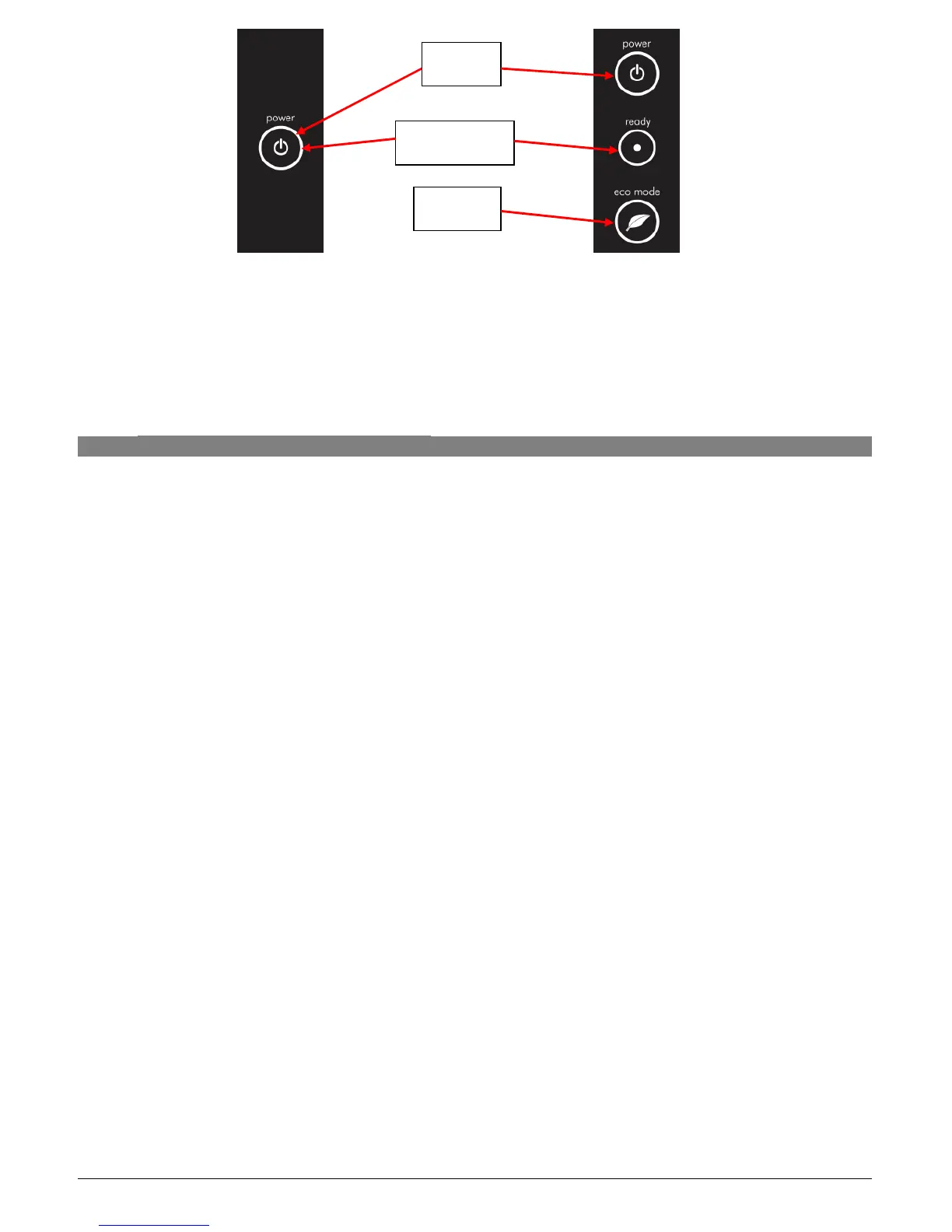
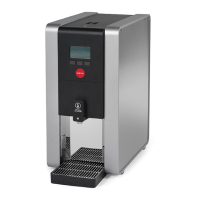
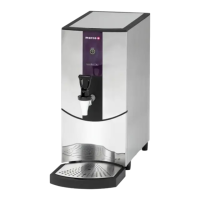
5L Display
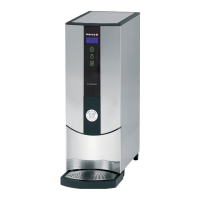
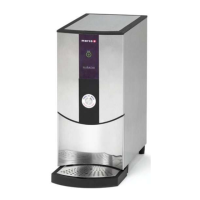
10L Display
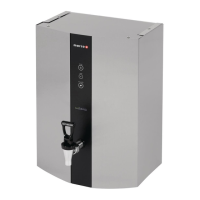
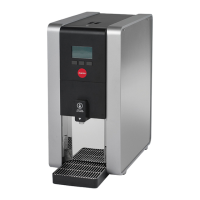
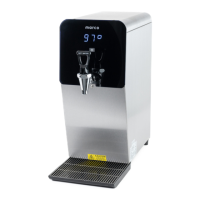
Figure 1: Machine User Interface
NOTE:
Because the boiler is electronically controlled no priming is necessary.
The element cannot switch on until a safe level of water is reached.
3.3. TEMPERATURE CALIBRATION
The Ecoboiler control PCB (1600345) has the ability to have the desired set-point temperature at
whatever setting is required. During manufacture of the PCB it is set to the default temperature of
around 80
o
C. During assembly the PCB is then calibrated to give a set point between 95
o
C-96.5
o
C.
If the temperature setting needs to be modified on-site please follow the steps below:
1. To Enter Calibration mode:
a. Turn the machine off at the mains power supply.
b. Then, whilst depressing the tactile switch on the PCB, turn the mains power back on.
c. All available LED’s on the front panel will now blink continuously.
d. The machine is now in Calibration mode.
2. In Calibration Mode the machine will heat continuously until the tactile switch on the PCB is
pressed for a second time (NB: The tactile switch should be pressed for at least 1 second)
3. Using a thermometer to measure the temperature at the thermistor pocket, the machine should
be allowed to reach the desired set-temperature. (NB: It may be necessary to let the unit cool
down if the desired set point is lower than the units current temperature)
4. At this point the tactile switch on the PCB should be pressed for at least 1 second.
5. Following a correct calibration procedure the tank temperature should be maintained within
3
o
C of the desired set-point temperature.
In the event of an incorrect calibration process the steps below should be followed:
6. If the tactile switch is pressed too early and the temperature is set lower than desired, the
tester should simply repeat steps 8-11.
7. If the tactile switch is pressed too late and the set temperature is too high, the tester will need
to wait for the temperature in the tank to cool, or add cool water, and then repeat steps 8-11.
Power
Ready/Status
Ecomode



 To Next Page