6
INFORMATION
Boiler Modes of Operation
Ensure the boiler is set to SP9 Mode for use with the SP9 Head.
Setup Mode
• To enter setup mode press power and set buttons on the front panel at the same time.
• The display will show “USER SETUP” message.
• Release the buttons now to enter the user setup mode.
• To enter advanced settings keep the buttons pressed until the display shows “SERVICE SETUP” mes-
sage and then release them.
• In both setup modes use front panel buttons to navigate the settings:
• Power button to scroll through the functions.
• Set button to increase set value (press and hold for auto-repeat).
User Setup Options
The default temperature in the tank is 95°. The user can set the temperature of the tank. Use the naviga-
tion instructions above to change the temperature.
NOTE: Temperature should never be set for more than 96°C because it may cause steam to be generated
during low pressure days.
Service Setup Options
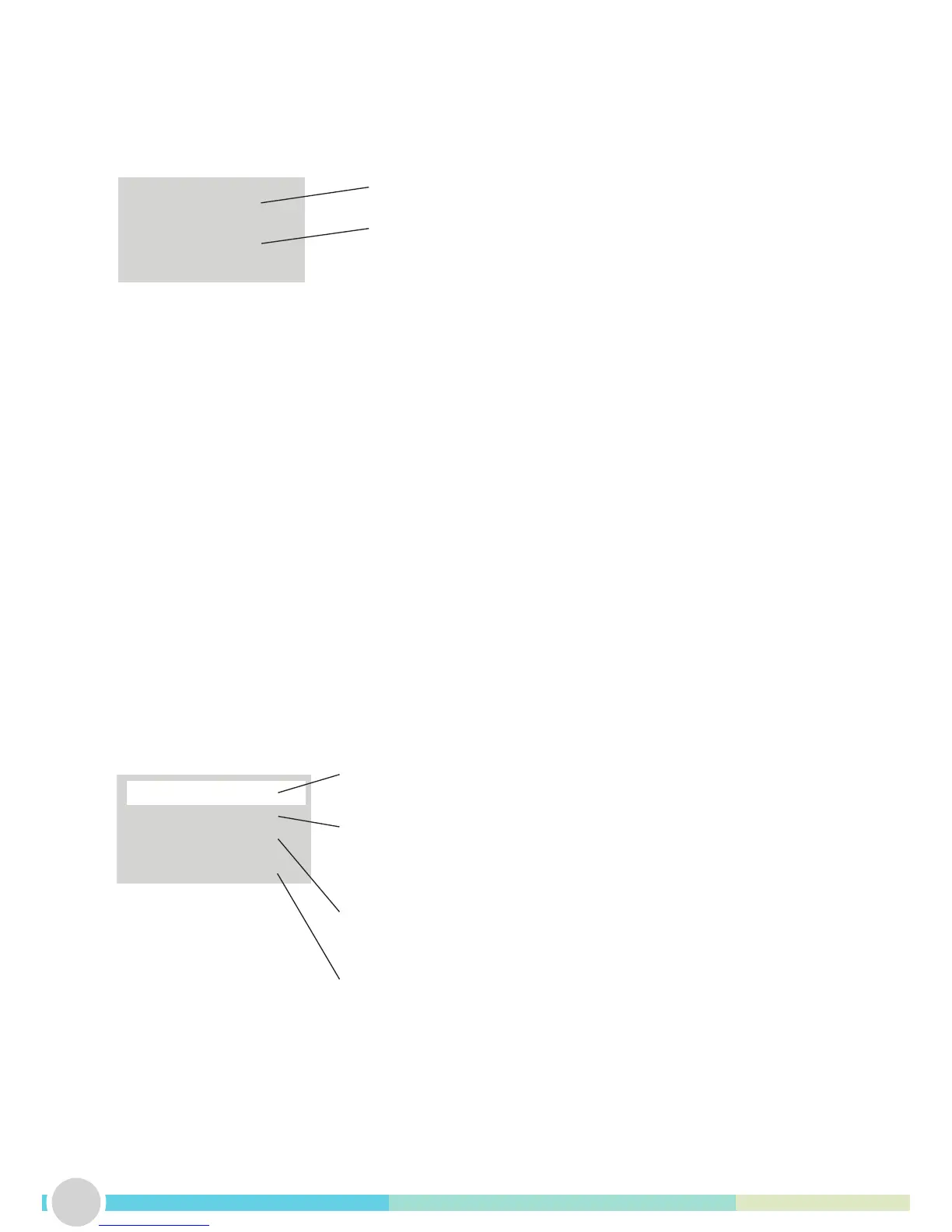
22.0°C
WAIT...
DESCALE: OFF
FILTER: OFF
INLET TIME: 03.0
DEAD TIME: 12.0
Live read-out of the tank temperature
Current machine status
Sets and shows remaining weeks before de-scaling is needed (“DES-
CALE TANK” message on the screen). Setting it to OFF will disable the
function. Range: 1 – 60 weeks. Default value: OFF
Sets and shows remaining litres of water before lter change is needed
(“CHANGE FILTER” message on the screen). Setting it to OFF will
disable the function. Range: 100 – 9900 litres. Default value: OFF
This is a factory setting and should only be changed by trained
personnel.
This is a factory setting and should only be changed by trained
personnel.


 To Next Page