EN
quick guide
7
Dive Menu Settings
We conclude this quick guide by looking at how
to set up Nemo for a dive.
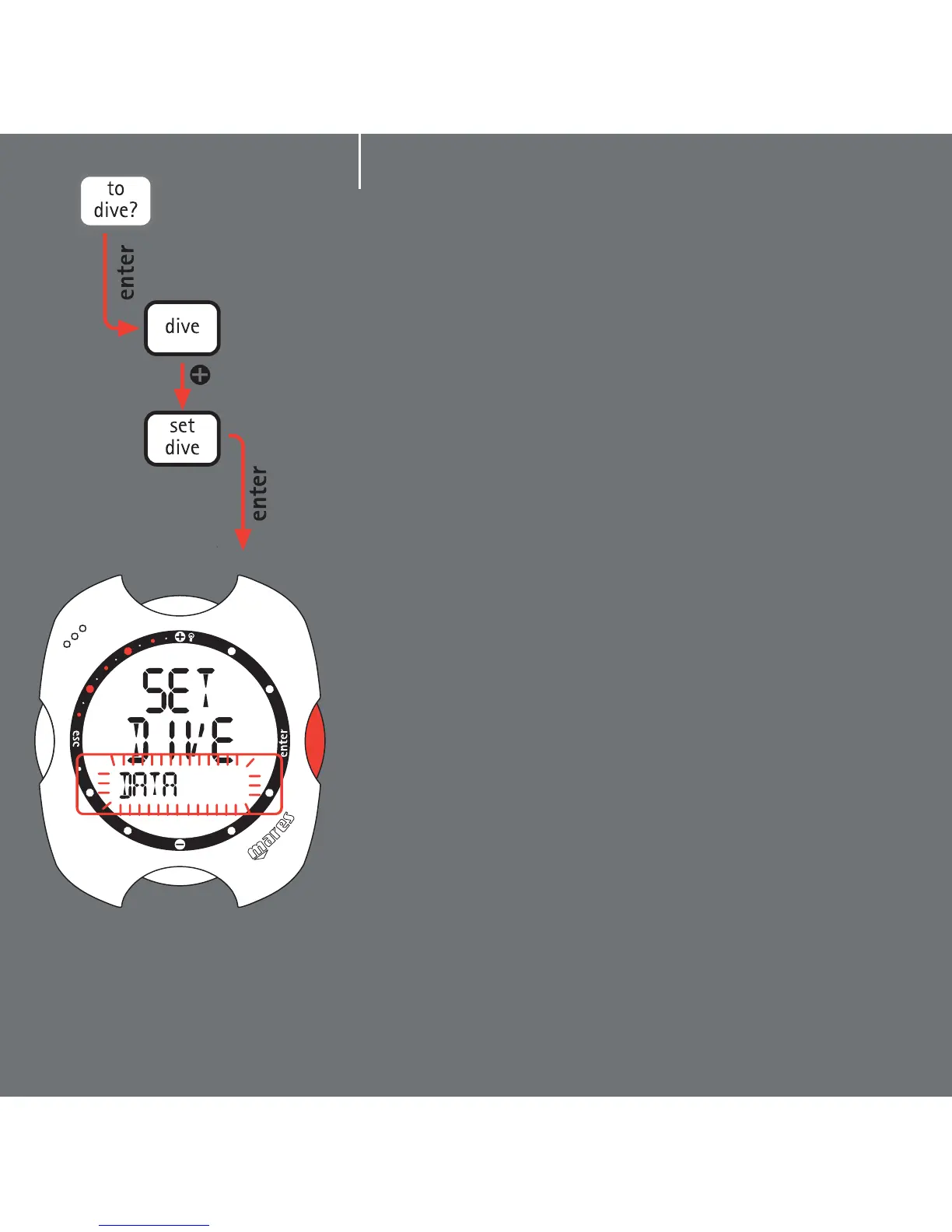
From Main Menu mode, press the <+> or <->
buttons until "TO DIVE MODE" appears on the
display. Press the <enter> button to accept this
item.
This accesses the "Dive Menu".
Using the <+> or <-> buttons you can view the
various menu items. Scroll until "SET DIVE"
appears on the display. This allows you to set both
the operating mode of the computer for the dive
(explained below) as well as the general dive
parameters, which we will do now.
Press the <enter> button to accept the "SET DIVE"
item. The "DATA" message will now appear on the
display bar. Press <enter>again to accept this
item as well.
You are now in Set Dive - Data mode, which
enables you to set all the general parameters of
the dive.



 To Next Page