Puck Pro Dive Computer
4
1.2 OPERATING MODES
The functions of the Puck Pro computer
can be grouped into three categories, each
corresponding to a specific mode of operation:
• surface mode: Puck Pro is dry on the
surface. You can change settings, review
your logbook, use the dive planner, see
remaining desaturation after a dive,
download to PC and much more;
• dive mode: Puck Pro monitors depth,
time, temperature and performs all
decompression calculations; dive mode
itself can be broken down into 4 sub
categories:
- pre-dive (Puck Pro is on the surface but
actively monitoring ambient pressure, so
that it can begin to calculate a dive the
instant it is submerged below 1.2m/4ft);
- dive
- surfacing (Puck Pro is on the surface at
the end of a dive; dive time calculation
is halted but if the diver submerges
within three minutes the dive is resumed
including the time spent on the surface);
- post-dive (after the three minutes of
surfacing mode, Puck Pro closes the
logbook and reverts to a display showing
desaturation time, no-fly time and surface
interval; this lasts until the desaturation
and the no-fly time both have been
reduced to zero).
• sleep mode: the computer is on the
surface after 1 minute without operation
(10 minutes from pre-dive mode). Though
the computer appears to be turned off
completely, it is still active. Puck Pro
computes tissue desaturation and checks
the ambient pressure once every 20
seconds for uninterrupted monitoring of the
environment.
1.3 USERREPLACEABLE BATTERY
Puck Pro uses a CR2450 user-replaceable
battery. See section 4.2.1 for instructions on
how to replace it. Good quality batteries should
suffice for approx 300-500 dives, depending on
the usage of the backlight and the temperature
of the water. Diving in cold water, usage of the
backlight and of the beeper increases battery
consumption.
The display alerts you of the status of the
battery. The three possible situations are
described as follows:
- battery symbol not visible in the pre-dive
and dive display: the remaining battery
charge is adequate for diving;
- steady battery symbol on the display (dive
and pre-dive): there is enough charge for
a few more dives, but you should consider
replacing the battery at the next opportunity;
- blinking battery symbol on the display: the
battery is too weak for diving. If this happens
during a dive, you must not perform any
more dives before replacing the battery. If
you see the blinking battery symbol on the
surface, be aware that Puck Pro will not
function as a dive computer and will not turn
on if submerged.
The level of the battery charge can also be
found on the “INFO” page (see section 2.6).
1.4 CONNECTING PUCK PRO TO A
PC OR MAC
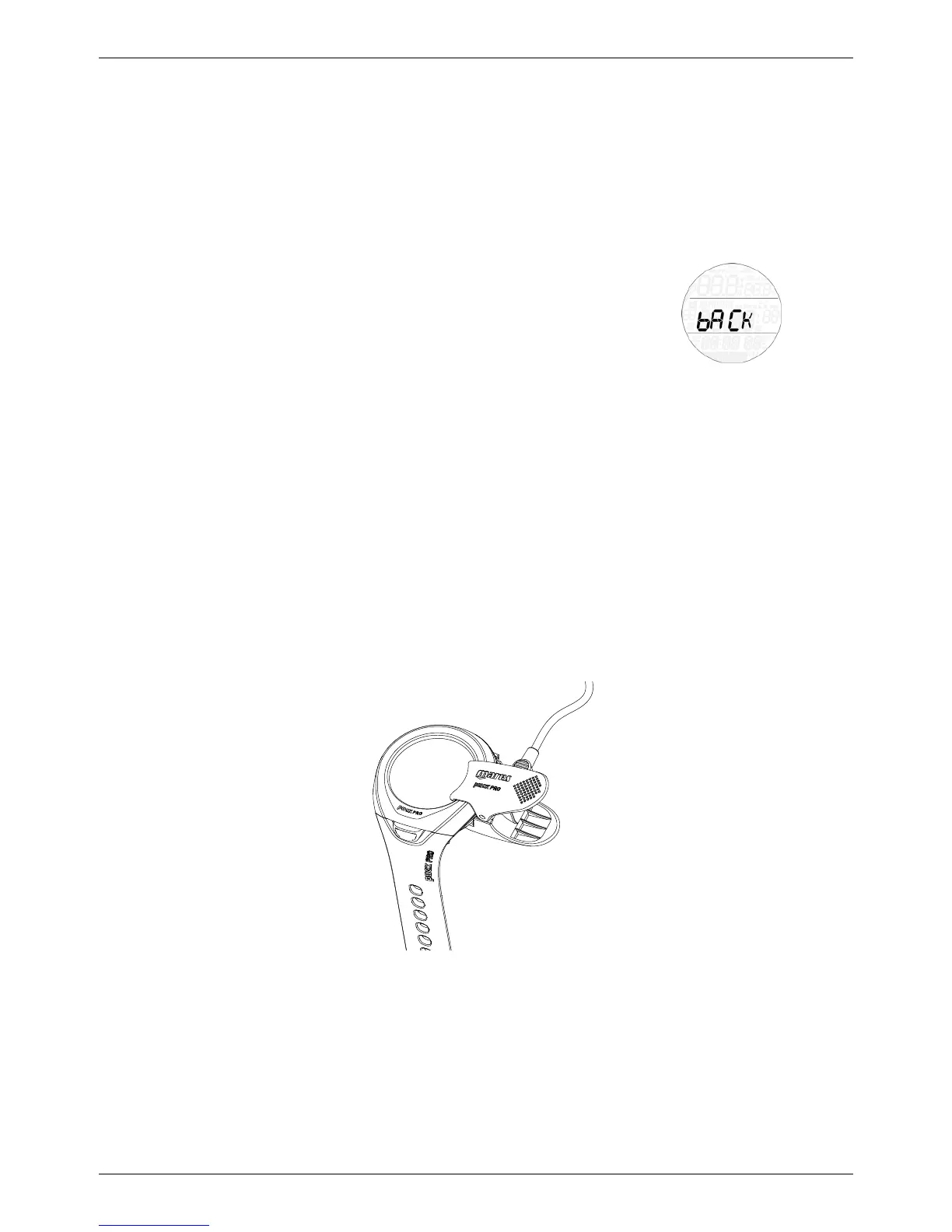
To connect Puck Pro to a PC or Macintosh
computer, use the optional clip and the USB
cable and Dive Organizer to download your
dives to a PC or Divers’ Diary to download your
dives to a Mac. Both software programs can be
downloaded from www.mares.com.
1.5 BUTTON OPERATION
Puck Pro has only one button, which allows
you to access menus and change settings
while in surface mode and access alternate
information during the dive, all in a very simple
and intuitive manner. On the surface, press the
button to change menu or value of a setting,
and press and hold to enter a menu or confirm
a setting. To exit a menu, press the button to
advance until you see bACk on the display,
then press and hold the button.
During the dive, press the button to access
alternate information on the display and press
and hold the button to activate the backlight.
An overview of the button function both in
surface mode and during a dive is presented
here below.



 To Next Page
 Loading...