6
1.6. WATCH DISPLAY
The watch display is the “home” display of
Smart. In this mode, the time of day is shown
in the middle row of the display while date,
temperature, seconds, wake-up time and
second time can be displayed at the bottom by
pressing the lower button. When the wake-up
time is displayed, pressing and holding the
upper button turns the wake-up alarm
or
. Note that the temperature reading will be
affected by your body heat while you are
wearing the watch. A growing or diminishing
ring of 60 dots around the perimeter of the
display represents the seconds.
When the second time is displayed, pressing
and holding the upper button switches main
time and second time.
• 2. MENUS, SETTINGS AND
FUNCTIONS
This chapter describes in detail all menus,
setting and functions of the Smart dive
computer.
From the time of day display, pressing the
upper button allows you to scroll through the
following sequence of menus (note that once
inside the menu loop, pressing the lower
button scrolls through the menus in reverse
sequence):
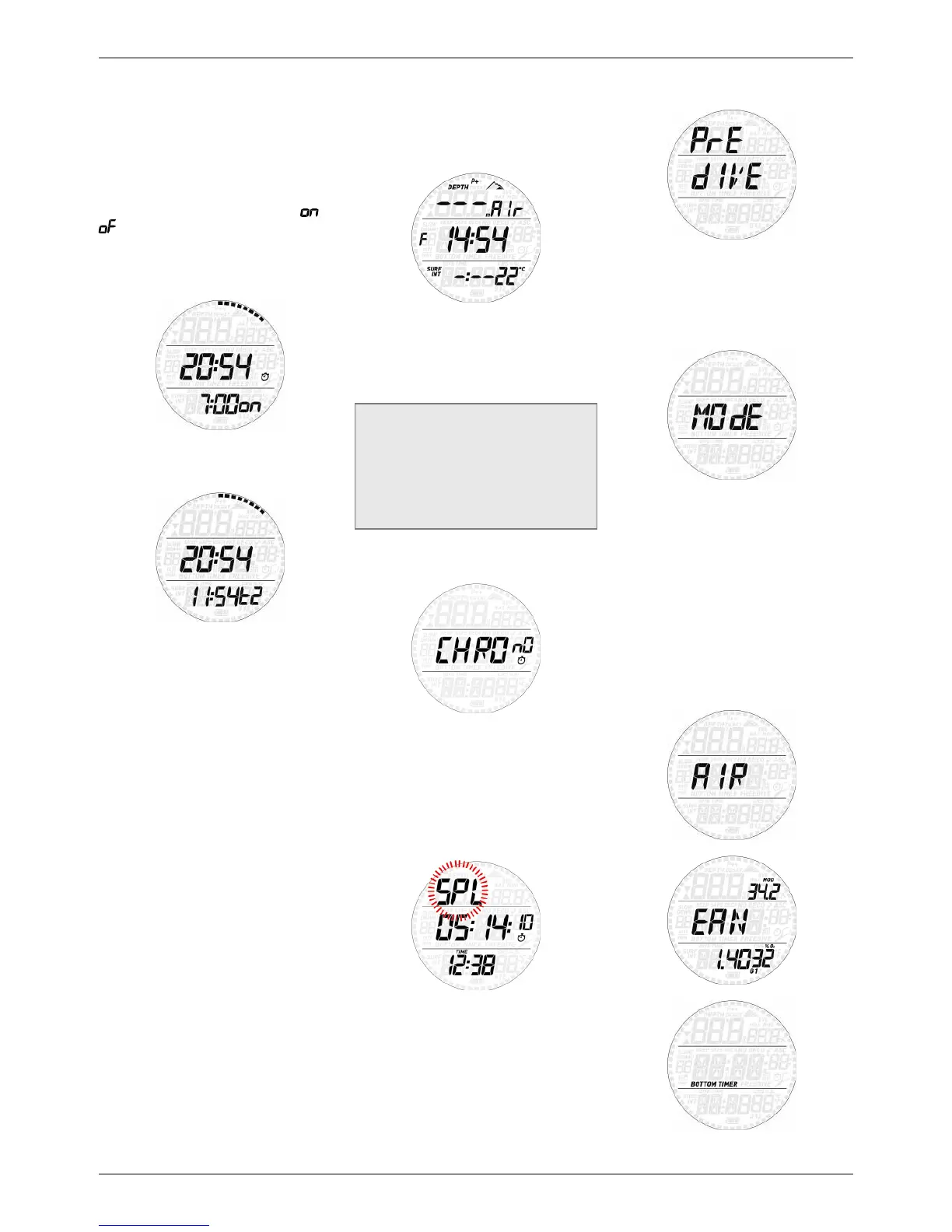
- CHROnO: allows you to operate Smart like a
normal stopwatch;
- PRE dIVE: places Smart in the ready-to-dive
mode;
- MOdE: allows you to set the computer to
air, nitrox, bottom timer mode or free diving
mode (apnea);
- SEt: allows you to view and change all
settings relating to the dive computer (SEt
dIVE) and to the watch (SEt tIME).
- LOG: allows you to access the detailed
history of the dives performed;
- PLAN: allows you to view no deco times as
a function of depth based on your current
nitrogen load;
- PC: allows you to download dives to a PC or
Mac
- INFO: allows you to view information about
software and hardware of your Smart.
The pre-dive mode puts the computer in a
ready-to-dive mode and ensures that Smart
starts to monitor the dive as soon as a depth
of 1.2m/4ft is reached. If you start the dive
without putting Smart into pre-dive mode,
it will start to monitor the dive automatically
but with a delay of up to 20 seconds from
immersion.
The pre-dive display shows p factor and
altitude settings, time of day, surface interval
since the last dive and temperature. If Nitrox
is set, it will show the O
2
percentage and the
corresponding MOD. A small S or F to the left
of the middle row indicates the water type.
NOTE
- If you remain in pre-dive for longer than
3 minutes without pressing any button,
Smart will revert to normal watch function.
- It is recommended to put Smart into pre-
dive before submerging. Not doing so
can lead to a delay of up to 20s in Smart
monitoring the dive.
2.1. CHROnO
Press and hold the upper button to enter this
menu. The middle row now features a stopwatch
while the time of day has moved to the bottom
row. Press the upper button to start and stop the
time, then press the lower button to reset the
time to zero. Press and hold the lower button to
exit from the stopwatch function (this stops and
resets the stopwatch if it was running or stopped
at a non-zero value upon exiting).
The stopwatch features also a split-time
function: by pressing the lower button while
the stopwatch is running, the time itself will
freeze while SPL blinks in the top row and the
stopwatch continues in the background. Every
time you press the lower button the split time
will refresh with the new value. Press and hold
the lower button to exit the split-time mode.
Note that while in split-time mode, the upper
button has no function.
2.2. PRE dIVE
Press and hold the upper button to enter this
menu and put Smart into the ready-to-dive
mode.
2.3. MOdE
Here you can define the type of gas you will be
breathing during the dive (air or enriched air
nitrox, including multigas). You can also set
Smart to bottom timer, in which case Smart
will show only time, depth and temperature:
it will not carry out any decompression
calculation and it will not show any warnings
and alarms. You can set Smart also to
freediving mode, which in essence is a bottom
timer with special features dedicated to free
divers.
Press either button to scroll through the four
possible options (AIR, EAN, bottom timer or
FREE), then press and hold the upper button
to select it.



 To Next Page
 Loading...