Series DC Digital Controllers
8
5 TEST PARAMETER SETUP
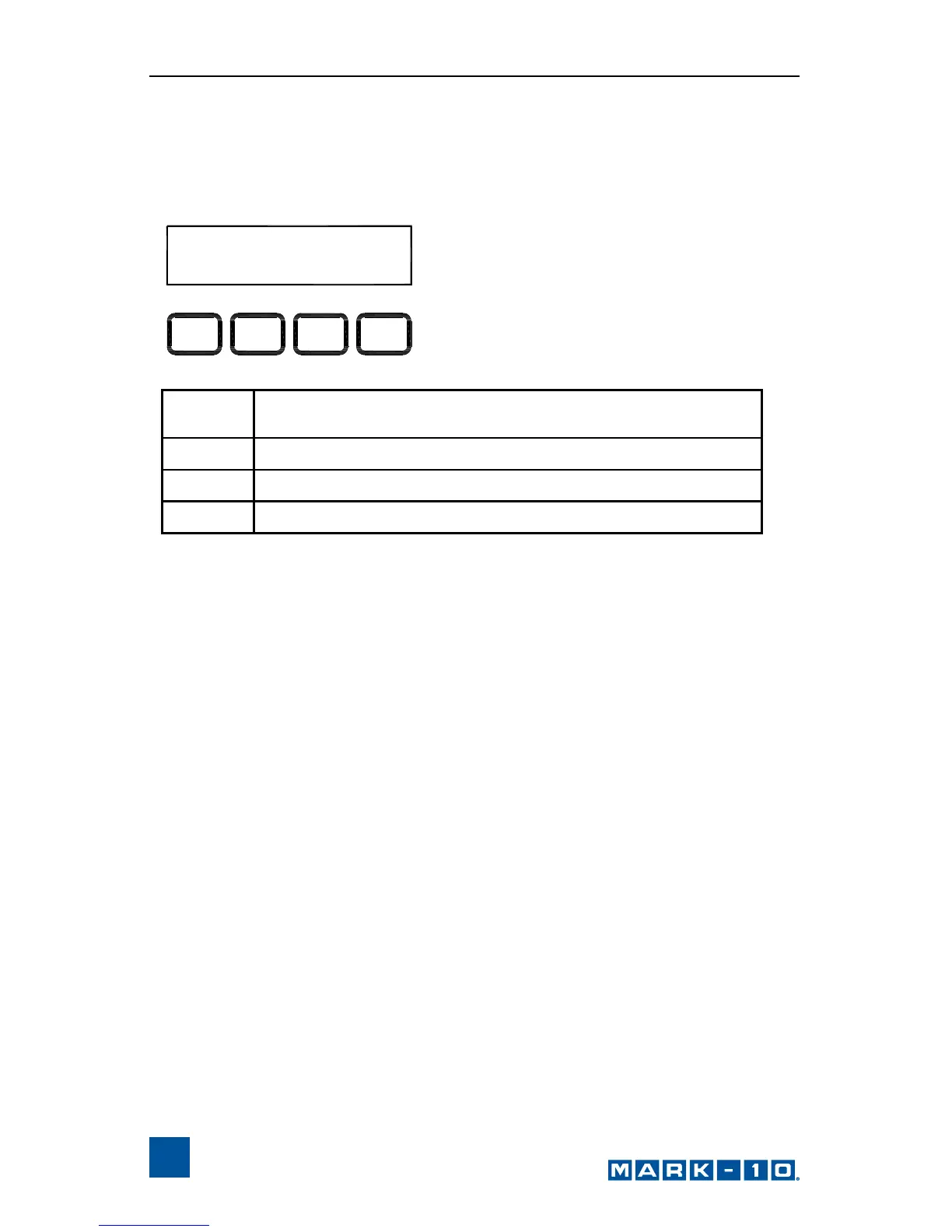
This section provides configuration instructions for each test parameter. The
initial Test Parameter Setup screen appears as follows:
When the parameters have been configured as desired and are ready to be
saved, press ESC to exit Test Parameter Setup. The screen will show SAVE
CHANGES? Pressing YES will save the changes and the display will revert to
current status. Pressing NO will not save the changes and return to the Test
Parameter Setup menu.
Note: Changes can be made to an unlimited number of settings before
saving.
UNITS: in/min
ESC > NTRE
_
<
_
ESC
Exits Test Parameter Setup, reverts to Operating
Mode
< –
Scrolls to the previous parameter
– >
Scrolls to the next parameter
ENTR
Selects the parameter, allowing it to be modified



 To Next Page