23
EN
TOUCH SCREEN CONTROLLER INSTRUCTIONS
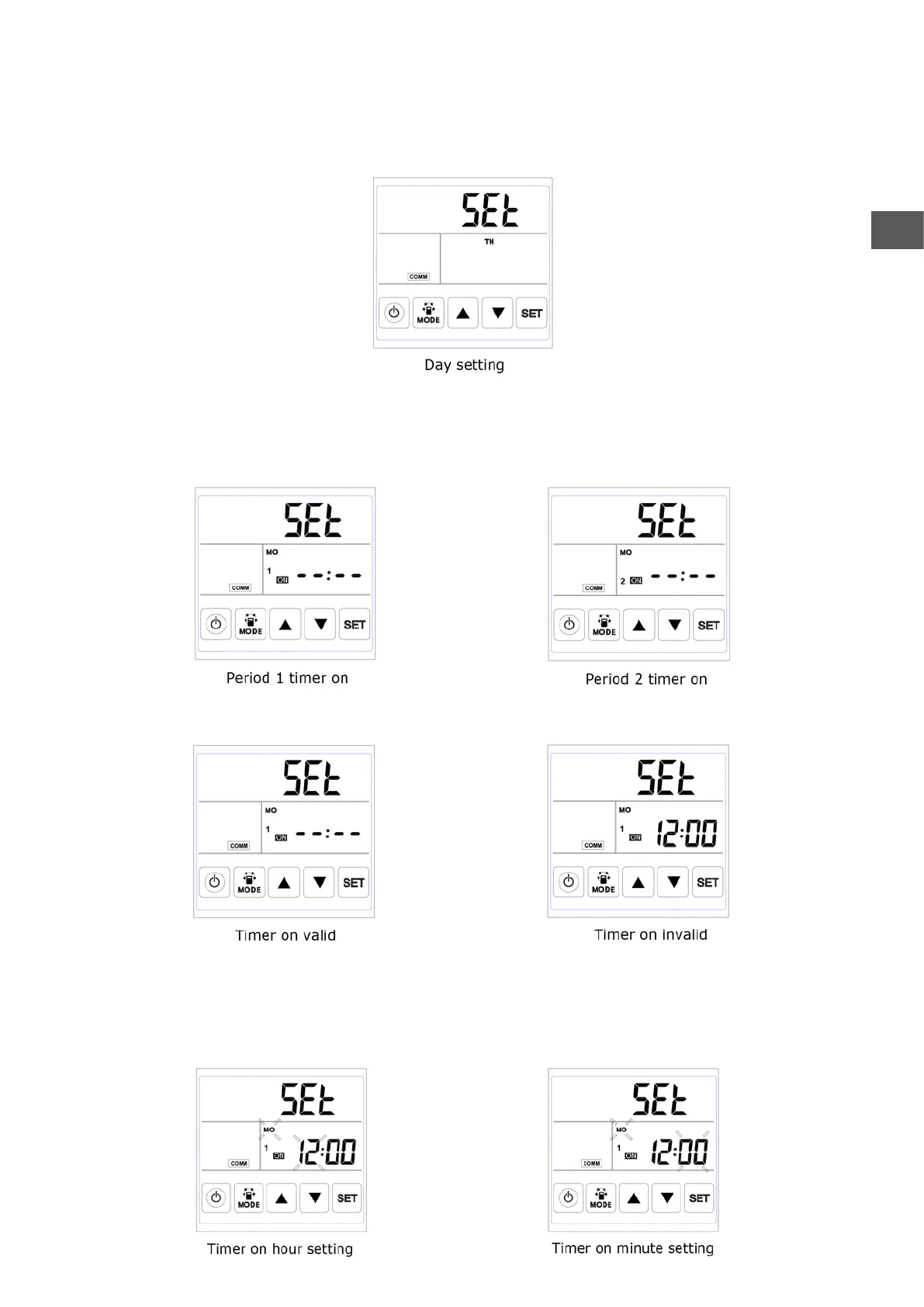
B. Day setting: under day setting interface, press SET button for short to begin the day setting, by
pressing UP and DOWN buttons to select the correct day, after this nished, press SET button to save
and return to the main interface.
C. Weekly timer on setting: under weekly timer on setting interface, press SET button to begin the timer
on setting, press SET button time after time to select Monday period 1 to Sunday period 2 (namely
Monday period 1 to Sunday period 2).
After selecting the day, press ON/OFF button to conrm timer on is valid/invalid.
When timer on is valid, press MODE button to enter “hour” setting, by pressing UP and DOWN button to
set “hour”. After “hour” setting, press MODE button to enter “minute” setting. After “minute” setting,
press SET button to save and switch to the next day timer on setting, and repeat the above steps to set
all days and periods timer on. After setting all the time on, press SET button to save the data.



 To Next Page