MARK CLIMATE TECHNOLOGY
BENEDEN VERLAAT 87-89
9645BM VEENDAM
TEL +31 (0)598 656 600
EMAIL info@mark.nl
WEB www.mark.nl
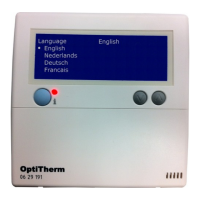
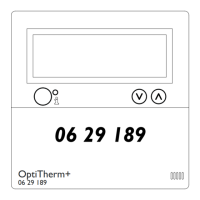
The OptiTherm+ digital clock thermostat (0629189) can be used as a simple on / off thermostat if required. Use the
instruction below.
1 Call user menu
•
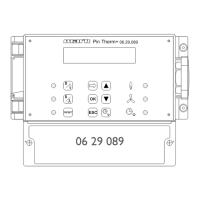
Push the OK button.
•
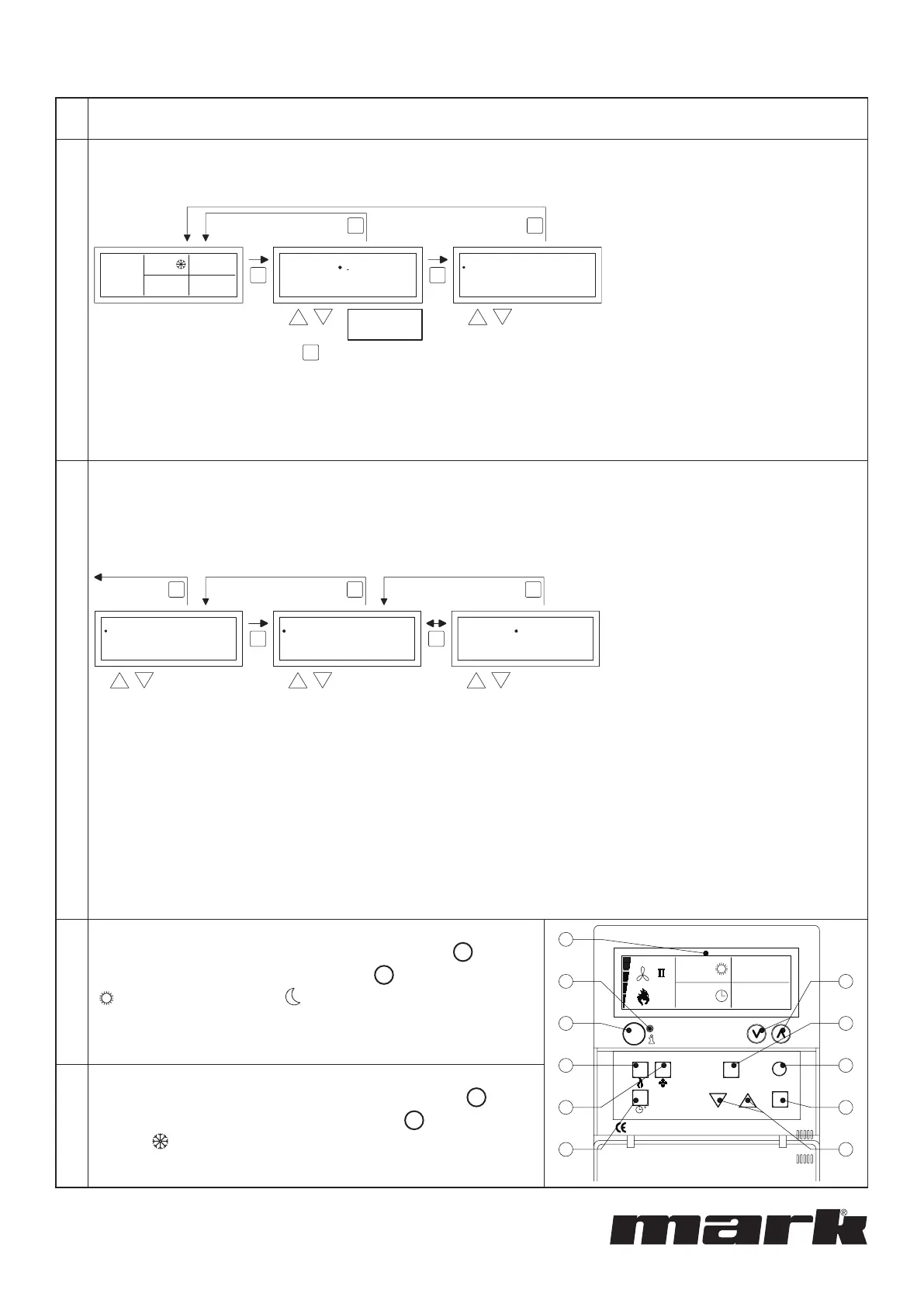
After which you enter the correct Pin code according to the image below (standard factory setting is 1000).
selectmodify
User Menu
Clock Program
Special day
Settings
Temperature
OK
ES
SC
2x
OK
factory default
menu code
1 0 0 0
User Menu
18.0 °C
01-03-2011
08:10
0.21
Code 0000
OK
na 4x
to next digit
•
with the and button you change the ashing gure.
•
you conrm this with the OK button and you jump to the next gure. After you push on the OK button at the 4th
gure and you enter the correct pin code, you enter the user menu and you can change the temperature setting, the
switch times, the exception days and all the other settings.
2 Temperature settings
1. Give the operation modes DAY, ECO and NIGHT the same temperature setting:
this is the desired temperature in case of presence.
2. Give the operation mode FROST a desired temperature setting in case of absence.
To change the temperature setting you follow the images below:
User Menu
Clock Program
Special day
Settings
Temperature
OK OK
ESC ESCESC
back to main screen
selectmodify
Temperature
Eco
Night
Frost
Day
5.0 °C
8,0 °C
15,0 °C
18,0 °C
Temperature
Eco
Night
Frost
Day
5.0°C
8,0°C
15,0°C
18,0°C
•
In the user menu select the menu-item temperature and then push the OK push-button.
•
With the and button, select the mode of operation which you wish to change and conrm this with the OK
button.
•
The display jumps to the temperature setting of the chosen mode of operation. With the and button, change the
temperature setting and conrm this with the OK button.
Follow the steps above to change the other temperature settings.
When you are nished with changing the temperature settings:
•
After the last change you press the OK button to conrm this.
•
Then you push the ESC button twice to go back to the user menu again.
3 Turn heating ON
To turn the heating ON, press the button with the ame
D
(see
gure on the right). In this case, the window
A
shows a sun symbol
( ), ECO or a moon symbol ( ) and the set temperature setpoint in
case of presence.
B
C
A
G
H
I
J
KF
E
D
12.0
08:00
01-03-2011
18.0 °C
RESETESC
OK
4 Turn heating OFF
To switch the heating OFF, press the button with the ame
D
again
(see gure on the right). In this case, the window
A
shows a frost
symbol ( ) and the set temperature setpoint in case of absence.
0664009
INSTRUCTION SET OPTITHERM+ AS ON / OFF THERMOSTAT



 To Previous Page
 Loading...