DESKTOP PRINTER QUICK START GUIDE
12
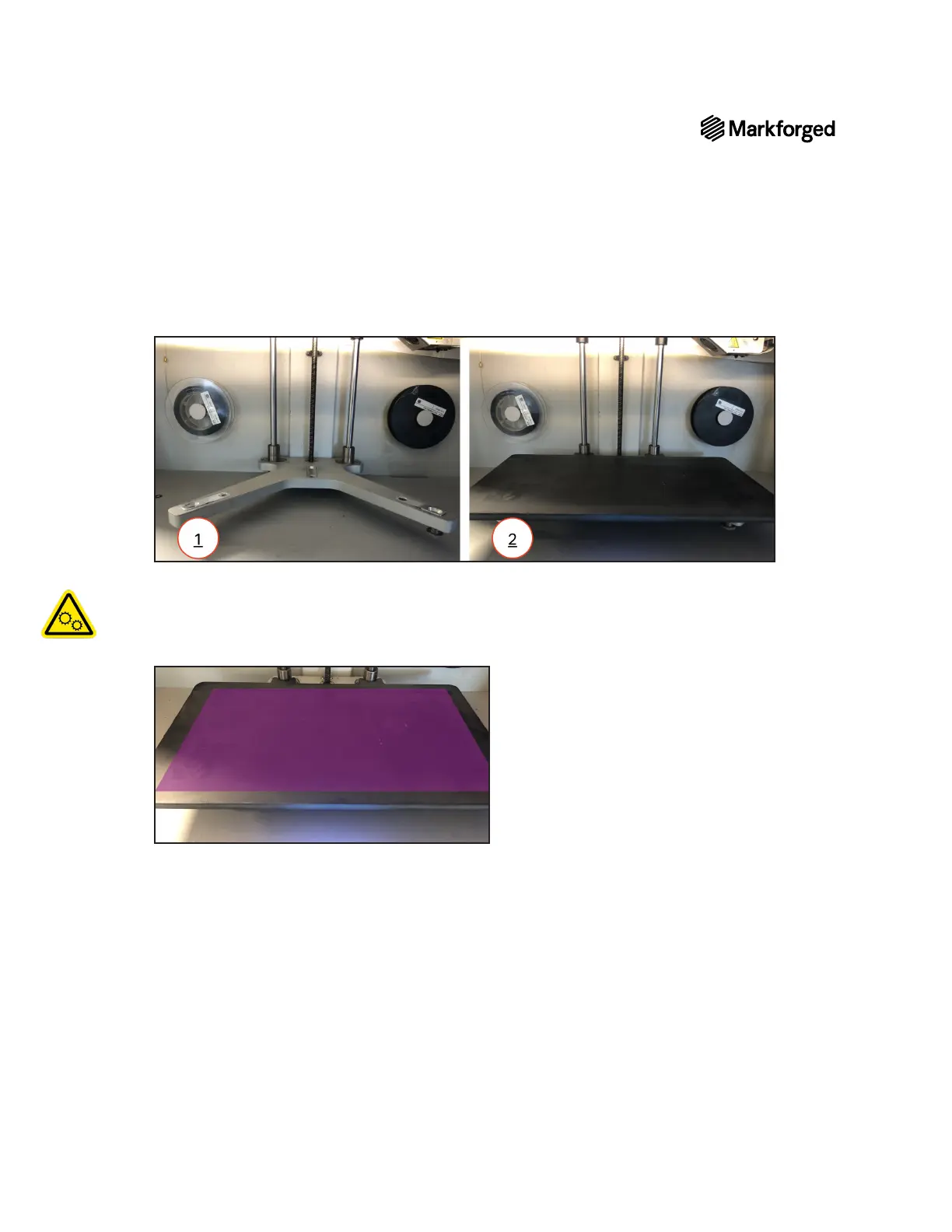
1. Install the print bed on the printer.
2. Menu >Bed Level >Shim Bed Levelon your printer’s
touchscreen and following the onscreen instructions.
Note: The print head will move autonomously during this utility.
3. Apply a thin layer of glue from the provided glue stick to the print bed, as shown in purple in the image
below.
4. Menu > Utilities >Test Prints >Bed Level Test
Print



 To Next Page