EasyManua.ls Logo

Markforged Onyx - LOAD FIBER

Default Icon
18 pages
Print Icon
To Next Page IconTo Next Page
To Previous Page IconTo Previous Page
Loading...
9
DESKTOP PRINTER QUICK START GUIDE
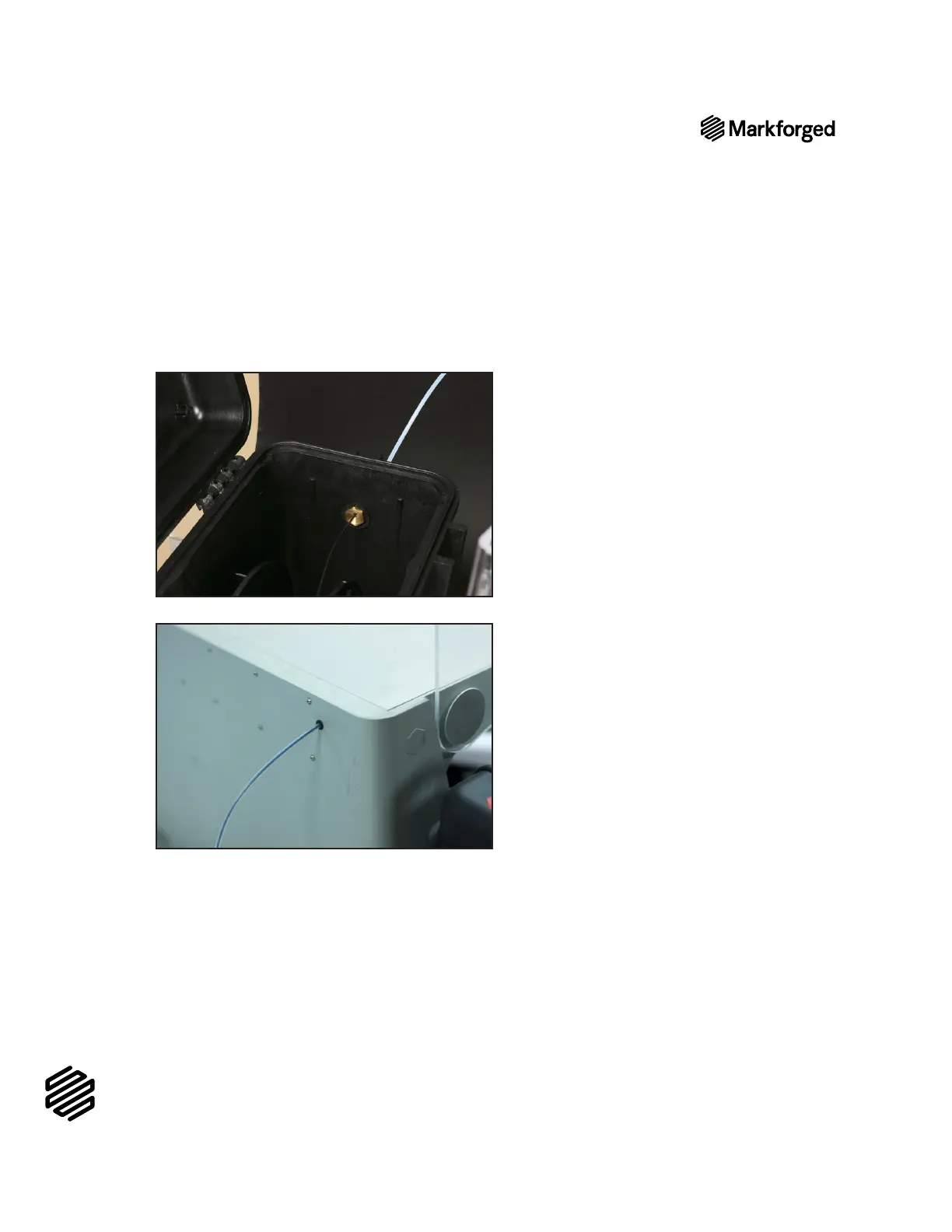
7. Close the drybox cover and press the latches closed until they click twice each.
Note: Ensure that the drybox remains closed and fully latched at all times, except when quickly
loading or replacing filament.
8. Feed the plastic feed tube through the opening in the back of your printer and let it hang freely.
9. Menu>Materials>Load Plastic > Meter Load
printer’s touchscreen. Input the type of plastic that you are loading and select Full Spool. Follow the

A. 
B. 

Note: The plastic extruder will start to click as material is extruded from the nozzle. This is
normal and expected behavior for the material loading process.
10. 
LOAD FIBER
1. 

Related product manuals