MARQ Golfer (Gen2) 3
EN
Using the Watch
y Hold LIGHT to view the controls
menu.
The controls menu provides quick
access to frequently used functions,
such as turning on do not disturb
mode, saving a location, and turning
the watch off.
y From the watch face, press UP or
DOWN to scroll through the glance
loop (page 3).
y From the watch face, press START
to start an activity or open an app
(page 10).
y Hold MENU to customize the watch
face, adjust settings, and pair
wireless sensors.
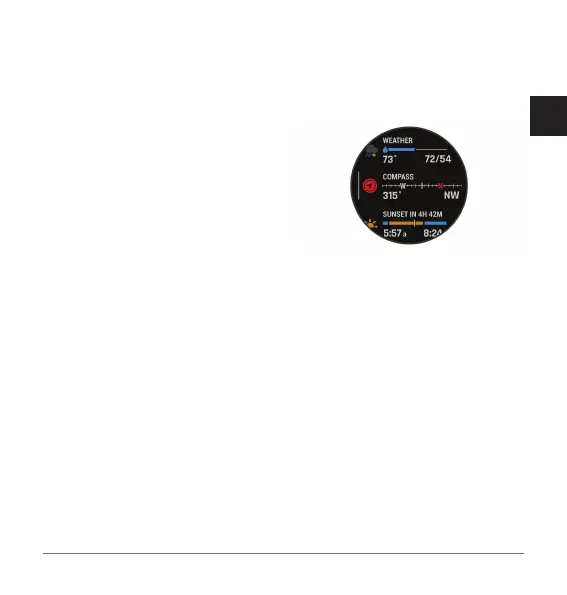
Viewing the Glance Loop
Glances provide quick access to health
data, activity information, built- in
sensors, and more. When you pair your
watch, you can view data from your
phone, such as notifications, weather,
and calendar events.
1 Press UP or DOWN.
The watch scrolls through the
glance loop and displays summary
data for each glance.
TIP: You can also swipe to scroll or
tap to select options.
2 Press START to view more
information.
3 Select an option:
• Press DOWN to view details about
a glance.
• Press START to view additional
options and functions for a
glance.
Smart Features
Pairing Your Phone
To use the connected features on your


 To Next Page