EN
41
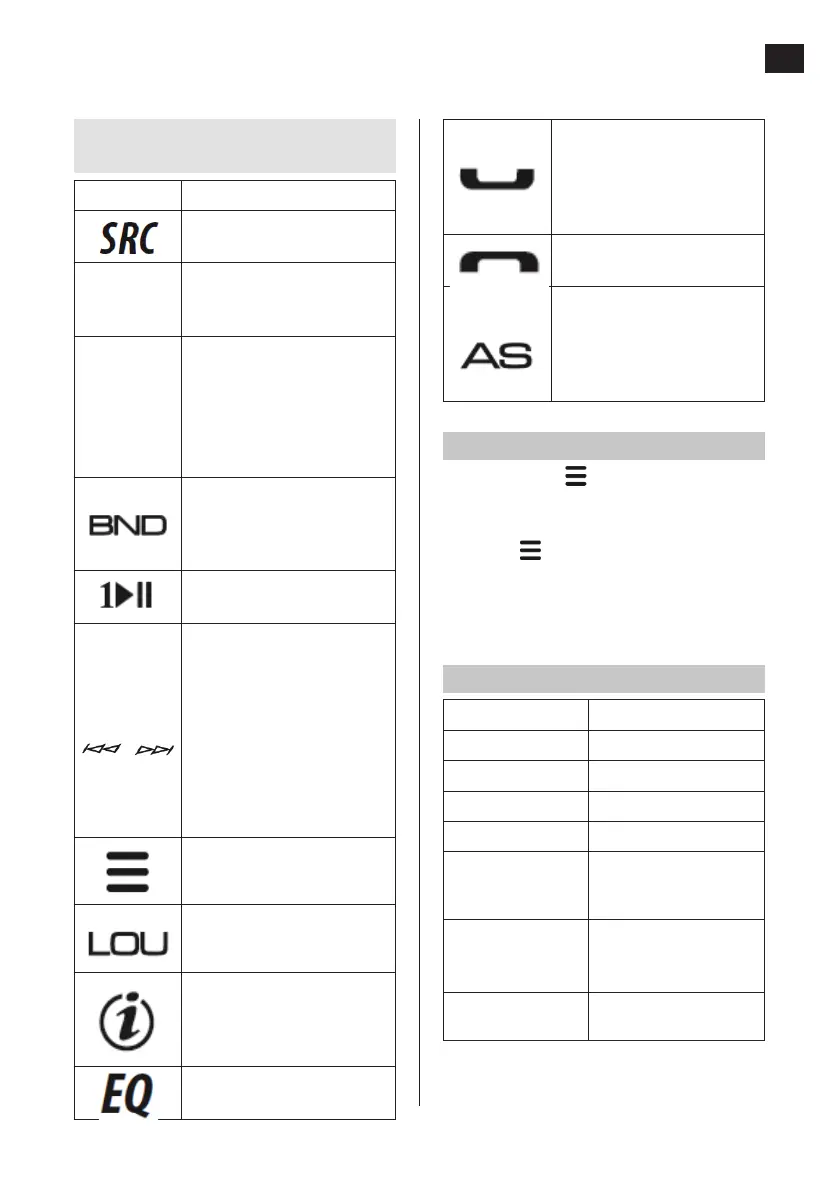
• Answer phone call.
• If the button is held in
during a call, the call is
reconnected from speaker
to phone.
Decline/end call.
• Automatic station search
and saving.
• Press the button in media
playback mode to activate
search mode.
FUNCTION SETTINGS
1. Tap to go to audio menu mode and
press and hold to go to system menu
mode.
2. Press repeatedly to browse to the
item to be set.
3. Set the required value/choose required
option with volume control.
AUDIO MENU
Item Adjustment range
BASS ADJUST
BASS LEVEL
–7 to +7
TREBLE ADJUST
TREBLE LEVEL
–7 to +7
BALANCE (between
right and left
channel)
10R (full right balance)
to 10L (full left balance)
FADER (balance
between front and
back speakers)
10R (full back balance)
to 10F (full front
balance)
SUB-W OUT
(subwoofer on/o)
On or O
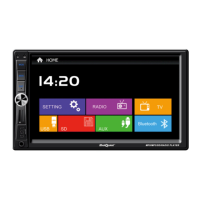
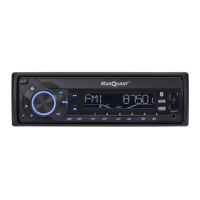
Explanation of buttons and
controls
Main unit Function
Selection of signal source
(RADIO, BT, USB, SD, AUX IN)
Volume
control
• Turn to increase or lower
the volume.
• Selection of menu items.
On/O/Mute
• Mute/reset to previous
volume.
• Switch on product. Switch
o product (press again
and hold).
• Conrm selection of track.
Selection of frequency band
(FM1/FM2/FM3) or AM1 (MW1)/
AM2 (MW2).
Pause button for playback from
USB or SD memory.
• Press the button in radio
mode to search for radio
stations automatically,
press and hold to switch to
manual station search.
• Press the button in media
playback mode to change
tracks, press and hold the
button to fast forward or
back.
Audio menu mode (tap) and
system menu mode (press and
hold).
Activation and deactivation of
dynamic base amplication
(loudness).
• Clock
• Press the button to show
ID3 metadata for the track
being played.
Setting of frequency mode
(equalizer, EQ)


 To Next Page