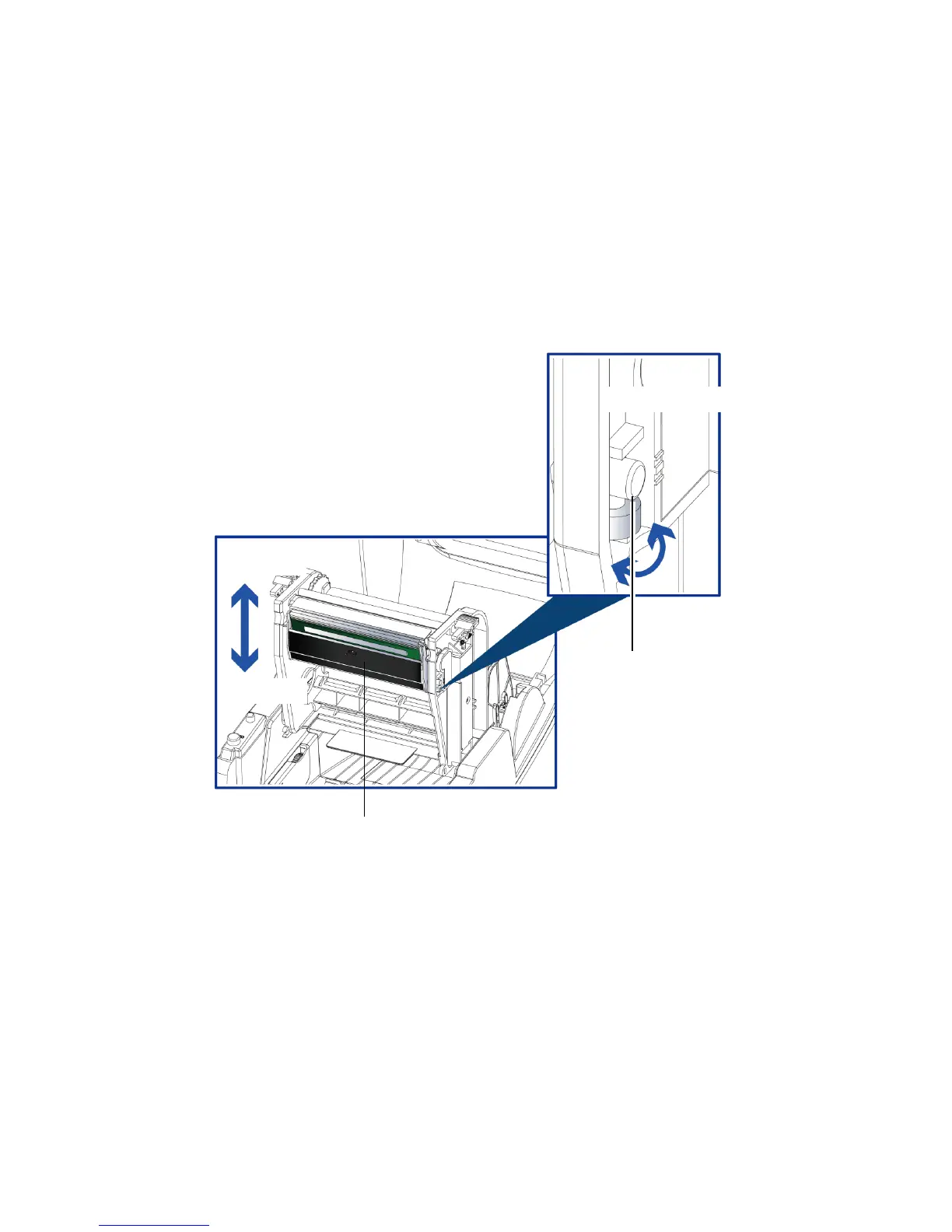
4-3 Adjusting The Print Line
When the print line is incorrectly set, the print quality on one side of the medium may suffer.
In such a case, the print line must be adjusted so it is positioned parallel to the paper feed roller.
Adjustment Methods
1. To move the print head in direction A as indicated by the blue arrow, turn the adjustment wheel
anticlockwise (see arrow 1).
2. To move the print head in direction B as indicated by the blue arrow, turn the adjustment wheel clockwise
(see arrow 2).


 To Next Page