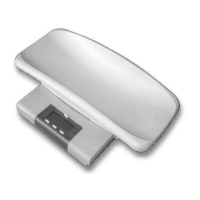
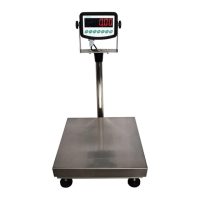
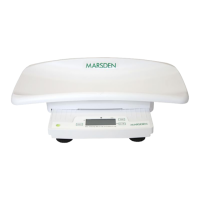
Calibration
Occasionally the scale should be verified that it is weighing correctly by measuring a
known mass of approximately the scale capacity. Tare the scale, place the mass on the
centre of the platform and note the reading. Calibrate the scale if necessary.
Before beginning make sure you have the mass specified and you know the mass is
accurate.
Turn the scale off.
Press and hold the On/Off key then press the Units key 3 times. Release the ON/OFF key.
The display will show a value from the internal counters. The typical value is 2000 to
16000.
Press the Tare key. Display will show zero.
Place the calibration weight (below) on the scale, in the centre of the platform.
B-200/15 10kg mass
B-200/30 20kg mass
B-200/60 40kg mass
B-200/150 100kg mass
B-200/300 200kg mass
Press the Tare key again. The display will show “CAL” then returns to weighing showing
the value of the weight used. Remove the weight. Verify the scale is calibrated correctly.


 To Next Page