WARNING! If the Dynamo is attached in
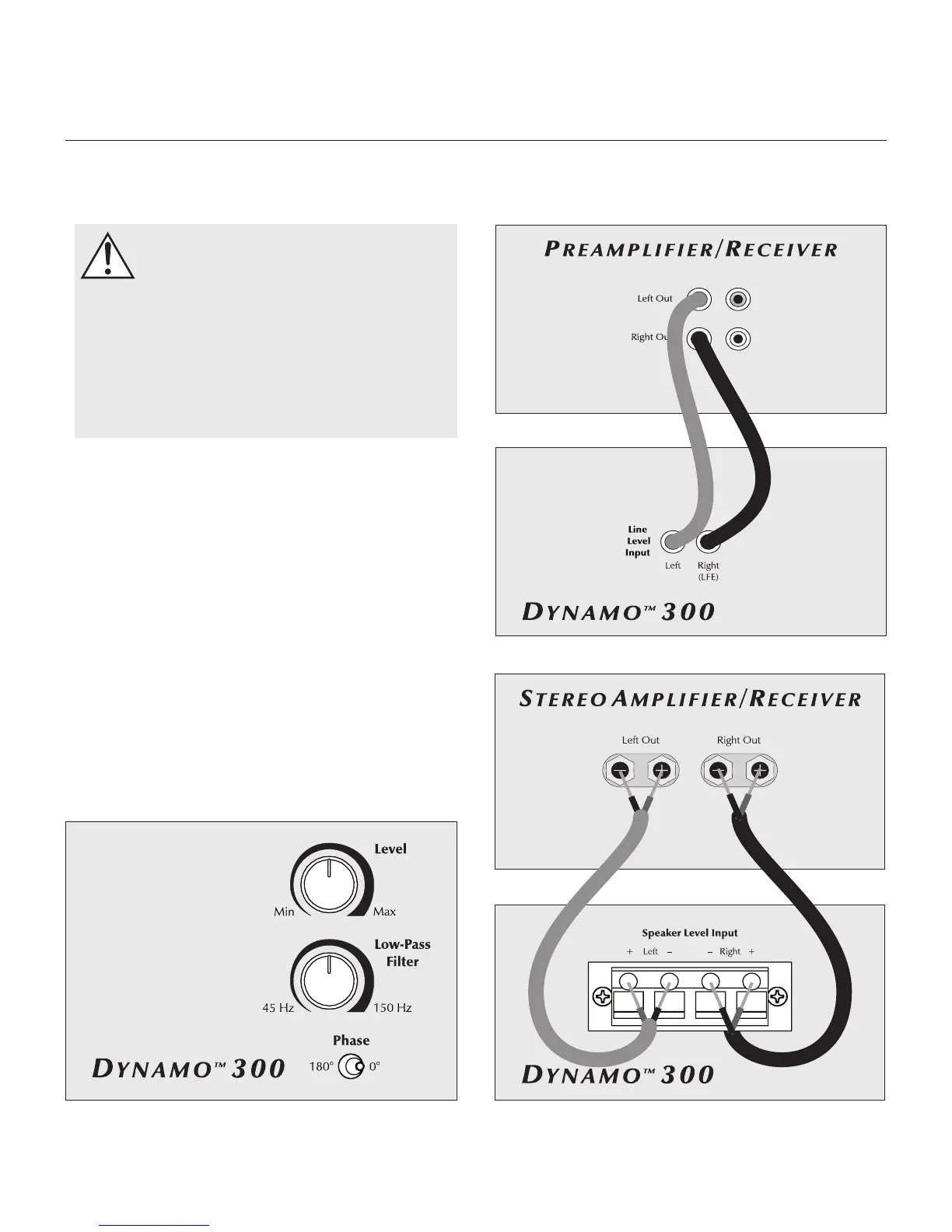
LFE mode (using the Right/LFE Line Level
Input) do not attach the Left Line Level In or
Speaker Level Inputs.
WARNING! Do not simoulateously attach
Speaker Level inputs and Line Level Inputs.
WARNING! Turn your Dynamo 300
subwoofer to 'Off' before making or
breaking any signal connections!
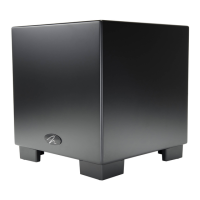
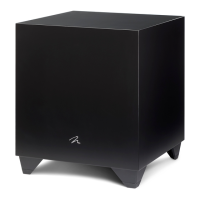
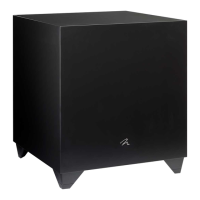
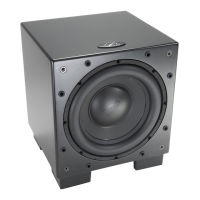
MartinLogan's engineering and design team developed
the Dynamo 300 for easy setup and integration. Before
connecting your Dynamo 300, please review the controls
discussed in the last section. An understanding of these
will help speed you along as you connect and integrate
your Dynamo 300. All signal connections are done on the
rear connections panel of the Dynamo 300. Make certain
that all of your connections are tight.
2-Channel Mode
This setup is recommended if your Dynamo 300 will be
used in a 2-channel system. If you will be using your sys-
tem for both 2-channel and multi-channel listening we
recommend connecting the Dynamo 300 as recommend-
ed in 'Multi-Channel/LFE Mode'. Some modern receivers
and processors allow users to route left and right channel
low-frequency information, in addition to discrete LFE infor-
mation, through the LFE output.
ConneCtIons and Control settIngs
Before Connecting the Dynamo
6 Connections and Control Settings
Figure 3. Signal connection for 2-channel mode via line leve input.
Figure 2. For 2-channel mode adjust Level, Low-Pass Filter, & Phase controls. Figure 4. Signal connection for 2-channel mode via speaker level input.


 To Next Page