12 Placement
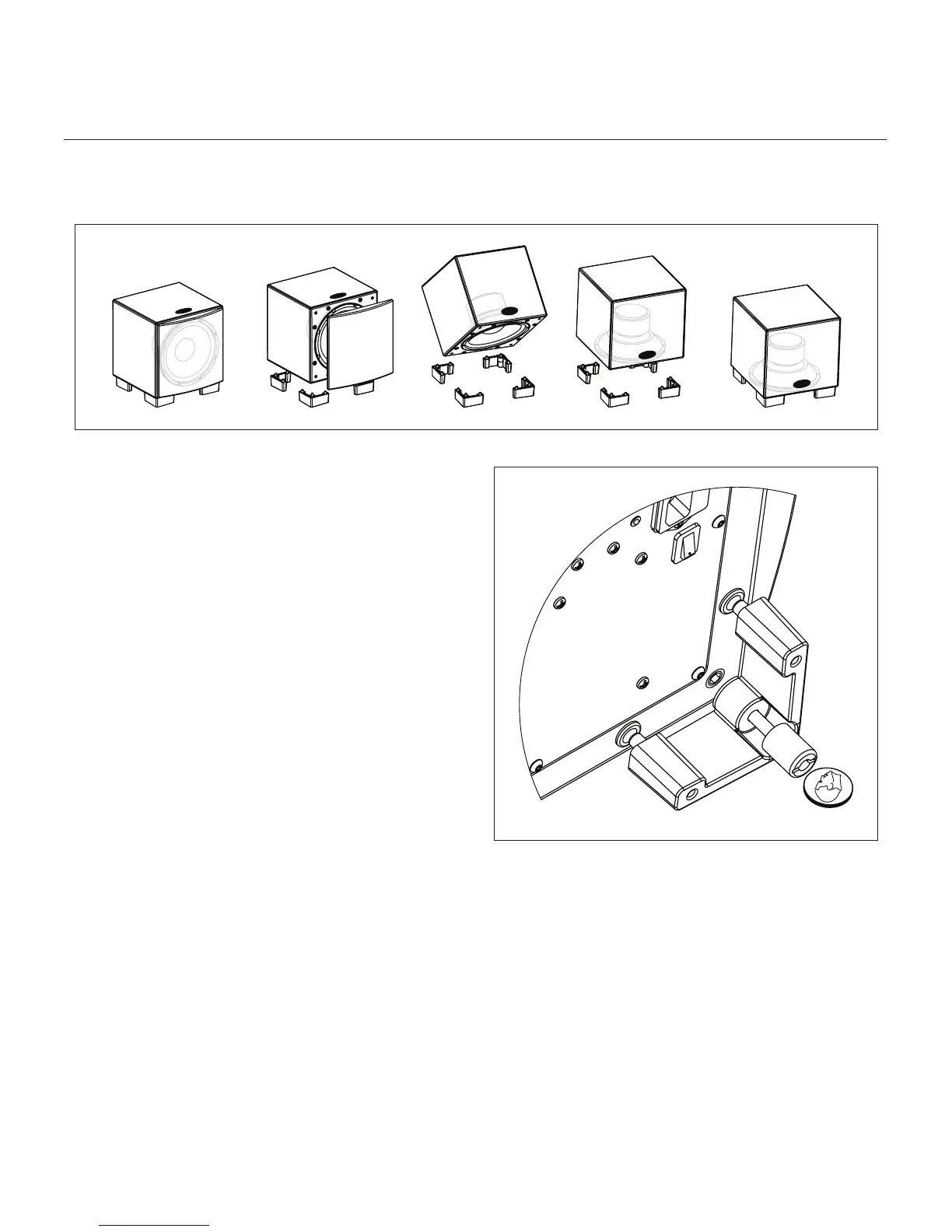
Changing Woofer Orientation
When installing the Dynamo 700 in a cabinet it is recom-
mended that the subwoofer be converted to a front firing
configuration. (see figure 9).
1
Prepare a flat surface with a blanket to protect the
Dynamo 700's finish. Unplug signal and power connec-
tions. Remove the grill cloth.
2 Carefully lay the Dynamo 700 on its side. Using a coin,
unscrew the attached feet. (see figure 10).
3
Change the location of the four feet.
4 Using a coin, reinstall the feet (see figure 10).
Please note, 90° RCA adaptors may be required to
make signal connections. Two 90° RCA adaptors are
included with the Dynamo 700 subwoofer.
Figure 10. To change woofer orientation, use a coin to unscrew the
attached feet, change location, and reinstall.
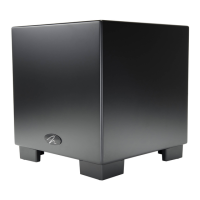
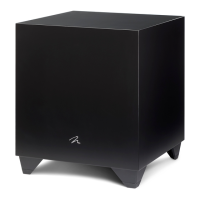
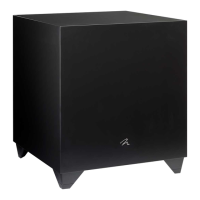
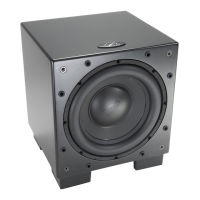
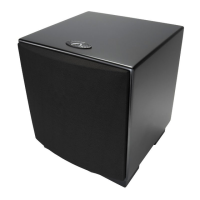
Figure 9. The Dynamo 700 is capable of both front-firing and down-firing woofer orientations.


 To Next Page