6
Safety Notes
• To prevent possible hearing problems, do not use the
headphones at high volume for long periods of time.
• Keep the equipment dry. Keep away from precipitation,
humidity, all types of liquids and condensation.
• Do not use the product with wet hands.
• Do not use or store the equipment in dusty or dirty
areas.
• Do not store the equipment under high-temperature or
low-temperature conditions (this may damage it).
• Do not drop, knock, or shake the equipment (use may
result in breakage).
Installation
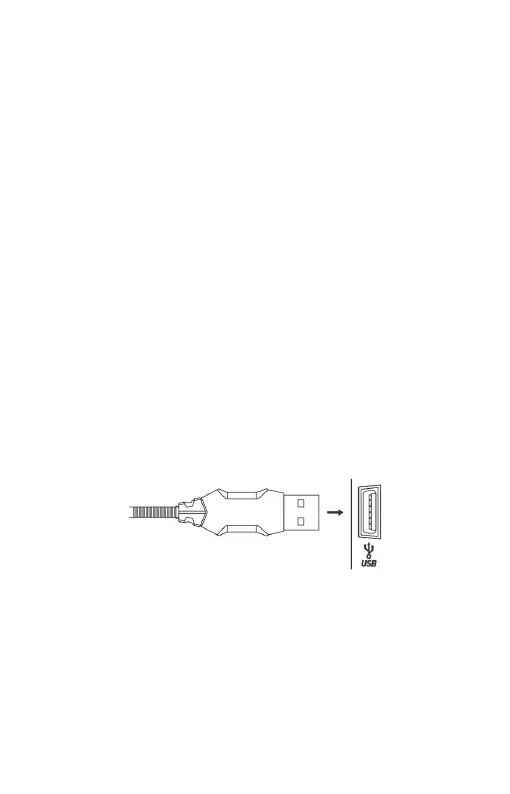
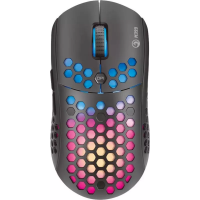
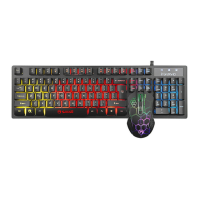
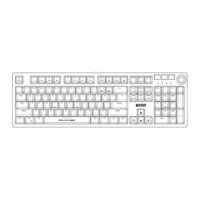
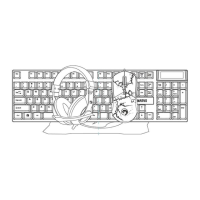
Connect the keyboard and mouse to the available USB ports
on your computer; if the peripherals are used for the first
time wait approx. 15 seconds to install the generic driver.
Each headphone audio jack is colored different (green for
headphones, pink for microphone) or has an icon on it.
Connect each jack to the matching input on the sound card.


 To Next Page