EasyManua.ls Logo

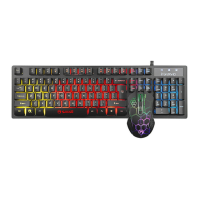
Marvo CM409 - Key-lock and Backlight Controls; Mouse Sensitivity Adjustment; Troubleshooting

Marvo CM409
52 pages
Print Icon
To Next Page IconTo Next Page
To Previous Page IconTo Previous Page
Loading...
8
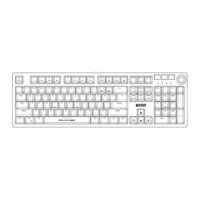
Key-lock functions
: enabled/disable the Windows key
Backlight control functions
Press the LED key to enable/disable the backlight.
: increase brightness
: decrease brightness
Mouse
Press the button below the scroll wheel to change the
sensitivity according to predefined DPI steps.
Troubleshooting
In case of incorrect operation follow the steps below:
Check the integrity of the connectors.
Check the connection to your computer.
Check your computer settings.
Disconnect and reconnect the equipment; restart
the computer.
If the problem persists, please contact your local seller.

Related product manuals