16 17
[Troubleshooting Guide]
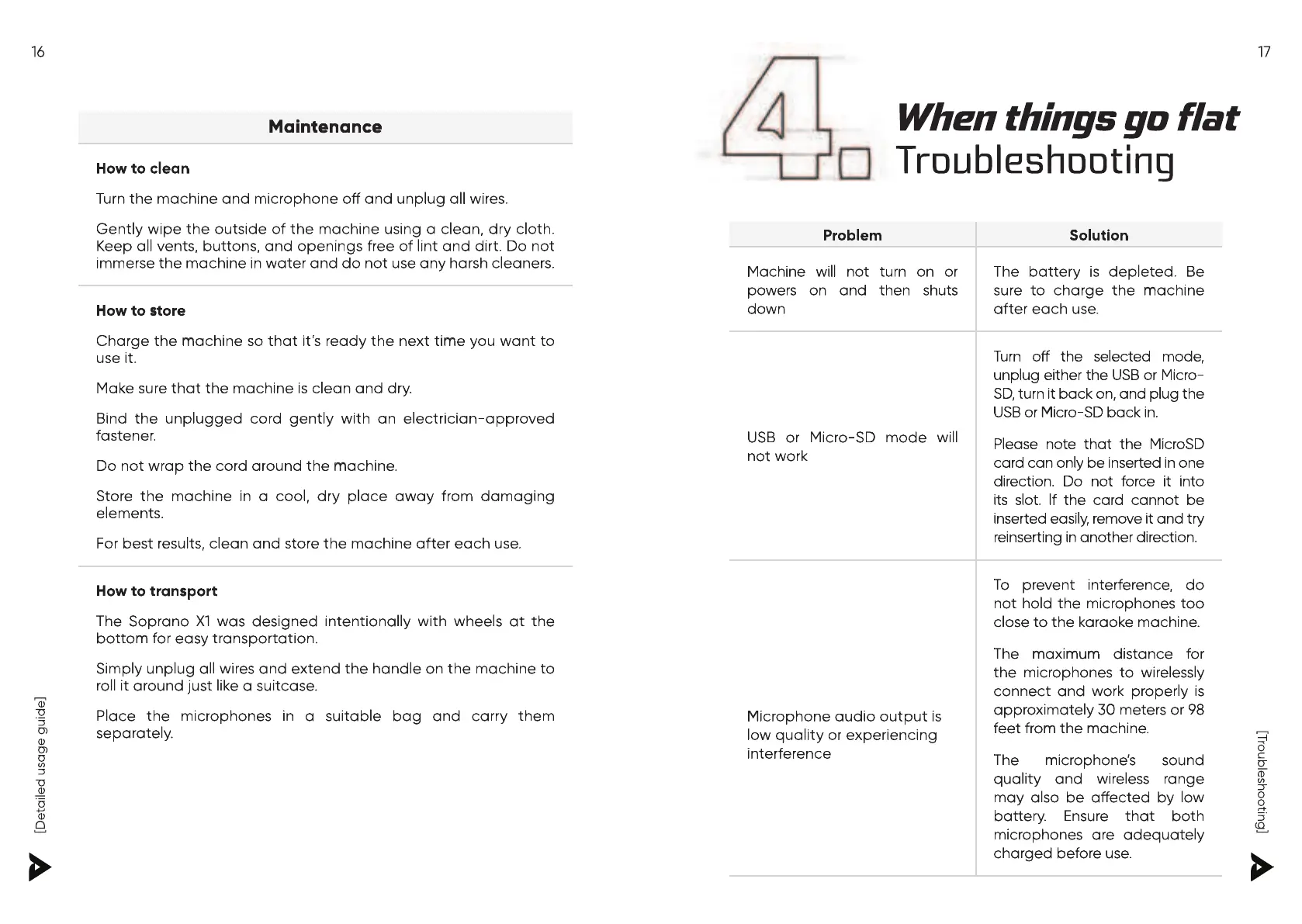
Turn the machine and microphone o and unplug all wires.
Gently wipe the outside of the machine using a clean, dry cloth.
Keep all vents, buttons, and openings free of lint and dirt. Do not
immerse the machine in water and do not use any harsh cleaners.
Charge the machine so that it’s ready the next time you want to
Make sure that the machine is clean and dry.
Bind the unplugged cord gently with an electrician-approved
Do not wrap the cord around the machine.
Store the machine in a cool, dry place away from damaging
For best results, clean and store the machine after each use.
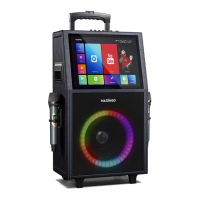
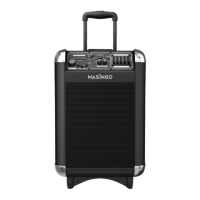
The Soprano X1 was designed intentionally with wheels at the
bottom for easy transportation.
Simply unplug all wires and extend the handle on the machine to
roll it around just like a suitcase.
Place the microphones in a suitable bag and carry them
e that the machine is clean and dr
e that the machine is clean and dr
e that the machine is clean and dr
e that the machine is clean and dr
e that the machine is clean and dr
e that the machine is clean and dr
e that the machine is clean and dr
e that the machine is clean and dr
e that the machine is clean and dr
e that the machine is clean and dr
e that the machine is clean and dr
e that the machine is clean and dr
e that the machine is clean and dr
e that the machine is clean and dr
e that the machine is clean and dr
e that the machine is clean and dr
e that the machine is clean and dr
e that the machine is clean and dr
e that the machine is clean and dr
e that the machine is clean and dr
e that the machine is clean and dr
e that the machine is clean and dr
e that the machine is clean and dr
e that the machine is clean and dr
e that the machine is clean and dr
ure that the machine is clean and dr
e that the machine is clean and dr
e that the machine is clean and dry.
e that the machine is clean and dr
e that the machine is clean and dr
ophone o and unplug all wir
Turn the machine and micr
urn the machine and microphone o
Turn the machine and micr
Machine will not turn on or
The battery is depleted. Be
sure to charge the machine
USB or Micro-SD mode will
Turn o the selected mode,
unplug either the USB or Micro-
SD, turn it back on, and plug the
Please note that the MicroSD
card can only be inserted in one
direction. Do not force it into
its slot. If the card cannot be
inserted easily, remove it and try
reinserting in another direction.
Microphone audio output is
low quality or experiencing
To prevent interference, do
not hold the microphones too
close to the karaoke machine.
the microphones to wirelessly
connect and work properly is
approximately 30 meters or 98
quality and wireless range
may also be aected by low
battery. Ensure that both
microphones are adequately
Microphone audio output is


 To Next Page
 Loading...