www.massfidelity.com
6
SETUP
1. The Core has a 50% pre-charge to allow for immediate
PQFSBUJPOBGUFSVOCPYJOHCVUGPSCFTUSFTVMUTDIBSHFJU
GVMMZCFGPSFVTF$POOFDUUIFQPXFSBEBQUFSUPUIF$PSFT
DC input jack and a wall outlet. The POWER indicator is
ZFMMPXXIJMFDIBSHJOHBOEUVSOTHSFFOXIFOUIFCBUUFSZJT
charged 90% or more.
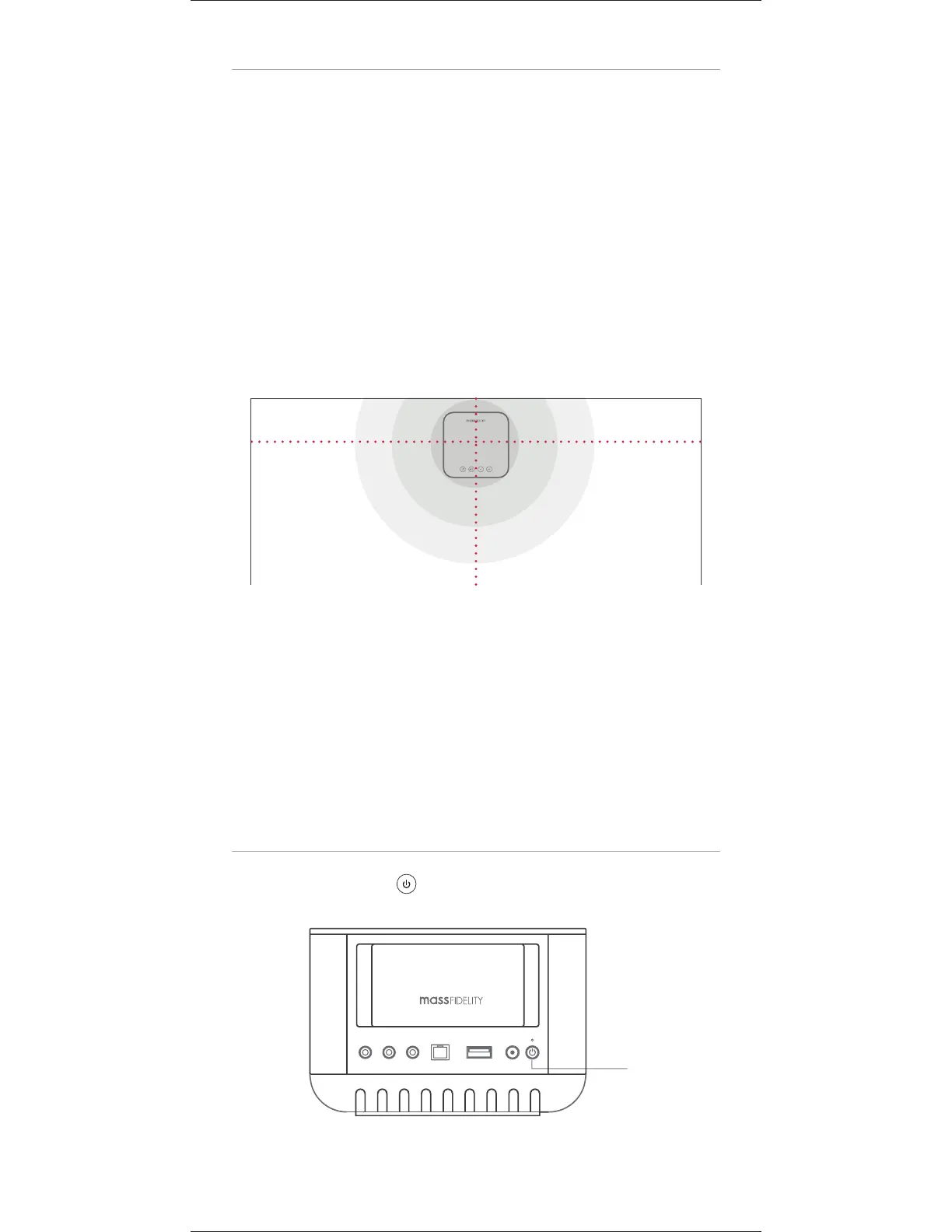
3PPNQMBDFNFOUJTWFSZnFYJCMFIPXFWFSGPSUIFCFTU
sonic imaging place the Core at the center of a wall rather
UIBOJOBDPSOFSBOEGPSCFTUCBTTSFTQPOTFNPWFJUDMPTF
UPBXBMMPSBOZSPPNCPVOEBSZXJUIUIFCBDLTJEFUPXBSE
the wall.
0SJFOUBUJPOPGUIFVOJUJTBMTPWFSZnFYJCMFIPXFWFSUIF
GSPOUPGUIF$PSFTIPVMEGBDFUIFMJTUFOJOHBSFBGPSCFTU
sonic imaging, to allow the IR sensor at the front of the
$PSFUPEFUFDUTJHOBMTGSPNUIFSFNPUFBOEUPCFTUPSJFOU
the microphone at the front of the Core for speakerphone
operation.
POWER UP
Press the POWERLFZUPUVSOUIFVOJUPOPGGPSPOTUBOECZ
BY
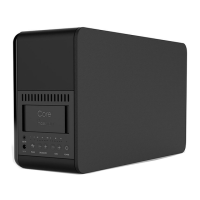
Core
POWER key


 To Next Page