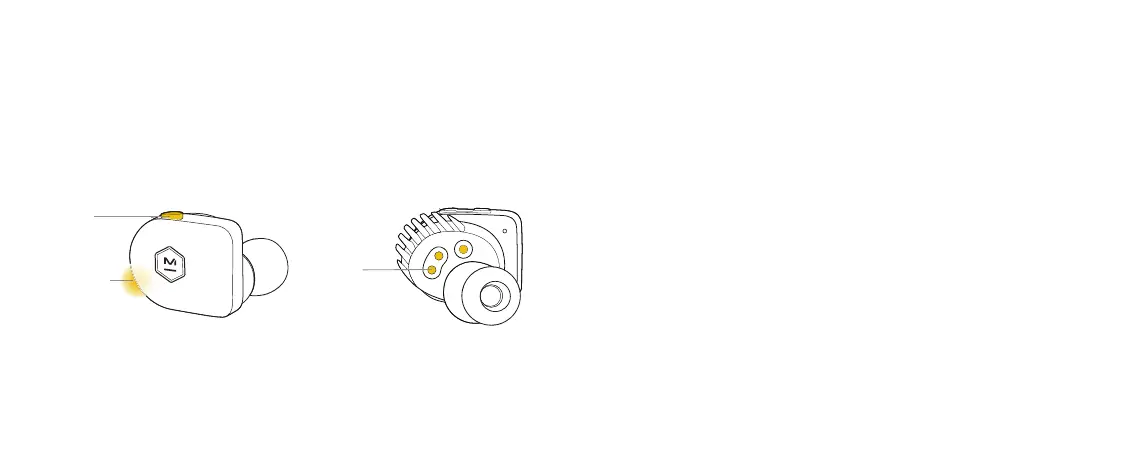
PULSING
INDICATOR
LIGHT
The first time you take both earphones out of their case they will enter
pairing mode. Simply connect through the Bluetooth menu on your device
and select M&D MW07 GO.
To manually activate pairing mode, hold down the multi-function button for
five seconds or until the indicator light starts pulsing. NOTE: Continue to
hold even if your voice assistant is activated.
Two microphones in the right earphone provide the freedom to talk, listen,
or use voice assistant using the right earphone only.
PAIRING
5
CHARGING
PADS
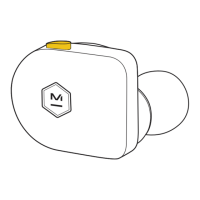
MULTI-FUNCTION
BUTTON






 To Next Page