Master Audio
DSP206-608. Version 1.2 Apr 14 19
6.2.2 X-over window
In this window all the crossover settings for each output are displayed and can be set.
6.2.3 Input / Output window
When selecting one of the inputs or outputs on the left side, a window with all
available controls will be displayed: Mixer, PEQ, Xover, Gain, Mute, Polarity, Limiter
and Compressor.
To access all available parameters of the Compressor, click on the word
“COMPRESSOR” besides the Limiter control. A new window will display showing the
controls for Threshold, Attack, Hold, Release, Ratio and Makeup Gain.
6.3 Hardware Options
6.3.1 Lock and unlock the unit
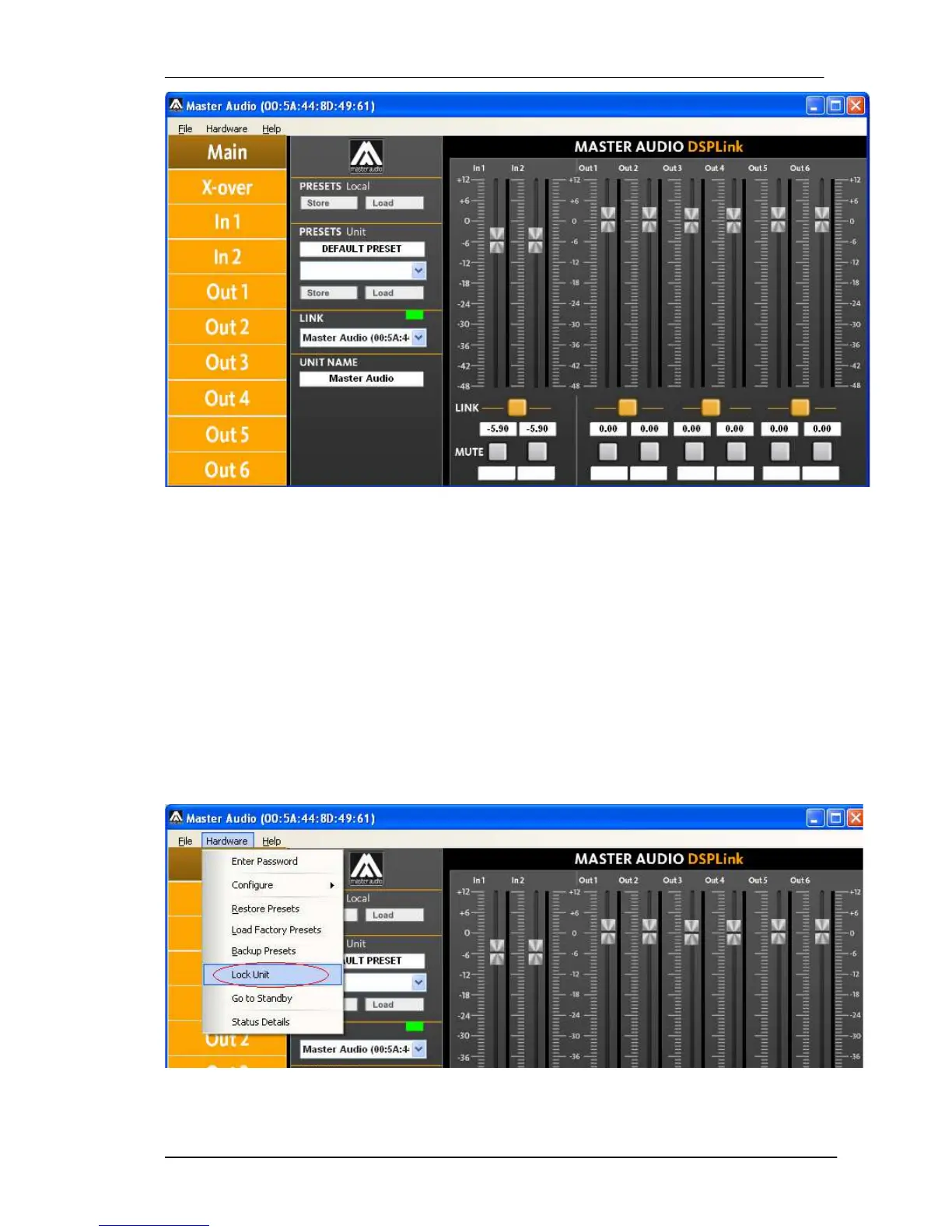
In order to lock the unit by password, select “Hardware > Lock Unit”.



 To Next Page