Master Audio
DSP206-608. Version 1.2 Apr 14 20
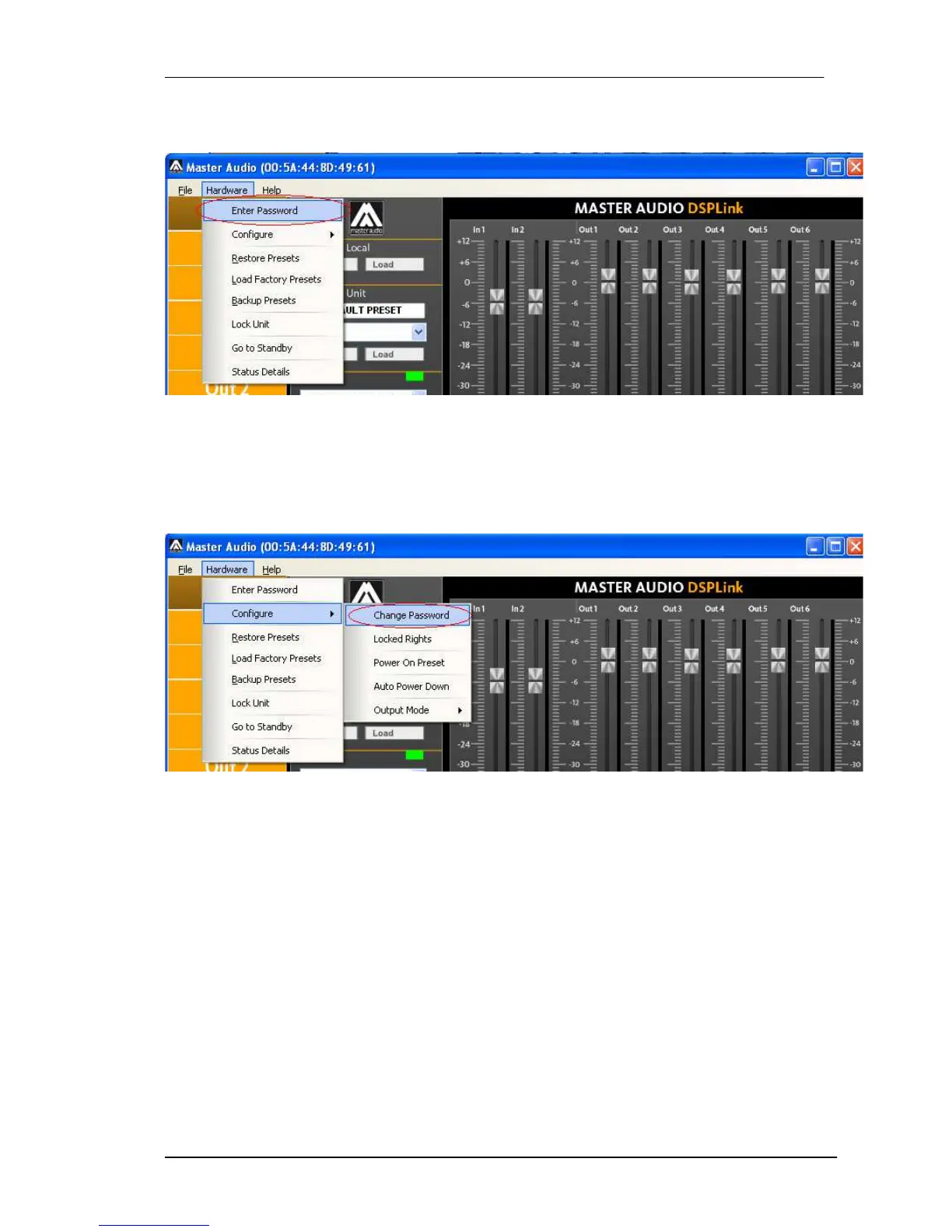
To unlock the unit again, select “Hardware > Enter Password”.
NOTE: The factory default password is “Password”
6.3.2 Change the default password
To change the factory default password, select the option “Hardware > Configure >
Change Password” and enter a new password with up to 8 characters. You will be
first asked for the old password.
6.3.3 Change the features that will be locked
An interesting feature is to change the features that can be locked by password. By
default all features are locked, but with the option “Hardware > Configure > Locked
Rights”, this setting can be changed. The settings that can be available even if the uit
is locked are:
Access to input channels
Access to output channels
Load Presets
Save Presets
Change unit name
Change unit configuration



 To Next Page