66DO NOT DIVE.
SWIM SPA CONTROLS - ICON SPA TOUCH
ADDITIONAL SETTINGS
HOLD - M037*
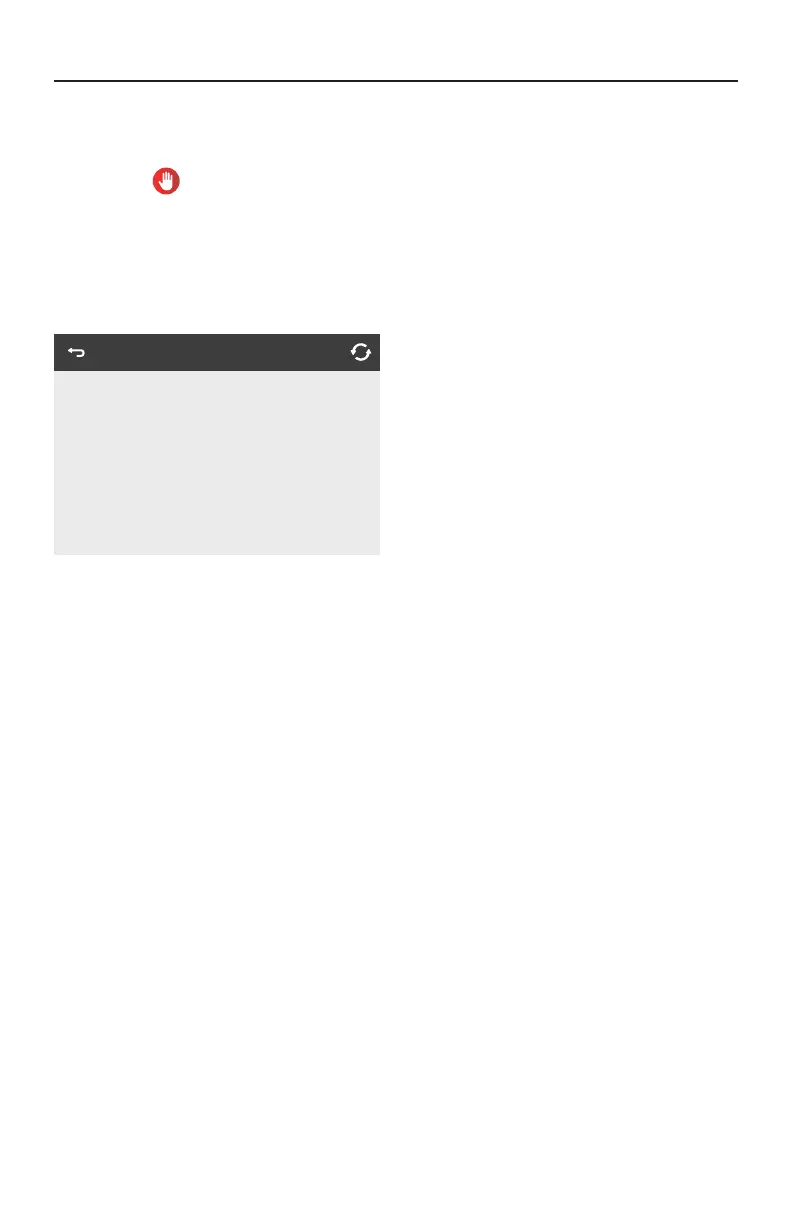
The Hold Icon on the Settings Screen places the swim spa in Hold Mode and displays the
System Hold screen.
Hold Mode is used to disable the swim spa equipment during service functions like cleaning or
replacing the filter. Hold Mode will last for 1 hour unless the mode is exited manually. If swim spa
service will require more than an hour, it may be best to simply shut down power to the swim spa.
Touch Back to exit Hold Mode.
System Hold
Holding for 1:00
*M0XX is a Message Code. Codes like this will be seen in the Messages Log.




 To Next Page