70DO NOT DIVE.
SWIM SPA CONTROLS - ICON SPA TOUCH
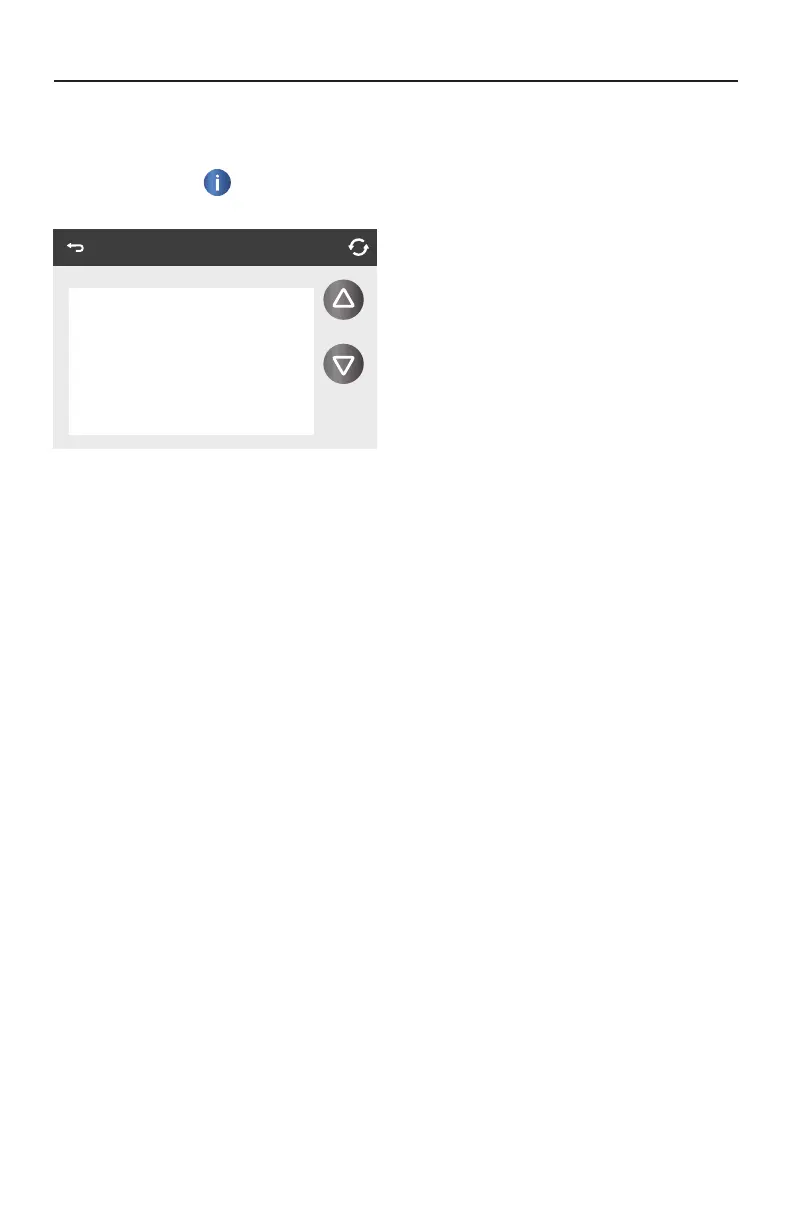
INFORMATION
SYSTEM INFORMATION
The Information Icon
on the Settings Screen takes you to the System Information screen,
which displays various settings and system identification.
SYSTEM MODEL
Displays the Model Number of the System.
PANEL VERSION
Displays a number of the software in the topside control panel.
SOFTWARE ID (SSID)
Displays the software ID number for the System.
CONFIGURATION SIGNATURE
Displays the checksum for the system configuration file.
CURRENT SETUP
Displays the currently selected Configuration Setup Number.
DIP SWITCH SETTINGS
Displays a number that represents the DIP switch positions of S1 on the main circuit board.
HEATER VOLTAGE (Feature not used on CE rated systems)
Displays the operating voltage configured for the heater.
HEATER WATTAGE AS CONFIGURED IN SOFTWARE (CE Systems Only)
Displays a heater kilowatt rating as programmed into the control system software (1-3 or 3-6).
HEATER TYPE
Displays a heater type ID number.
System Information
Cleanup Cycle Off
Filtration F2
Ozone On
Heat Mode Rest
Spa State Running
Temp Range High
Temp Limit 99 F




 To Next Page