57
4. Start workout
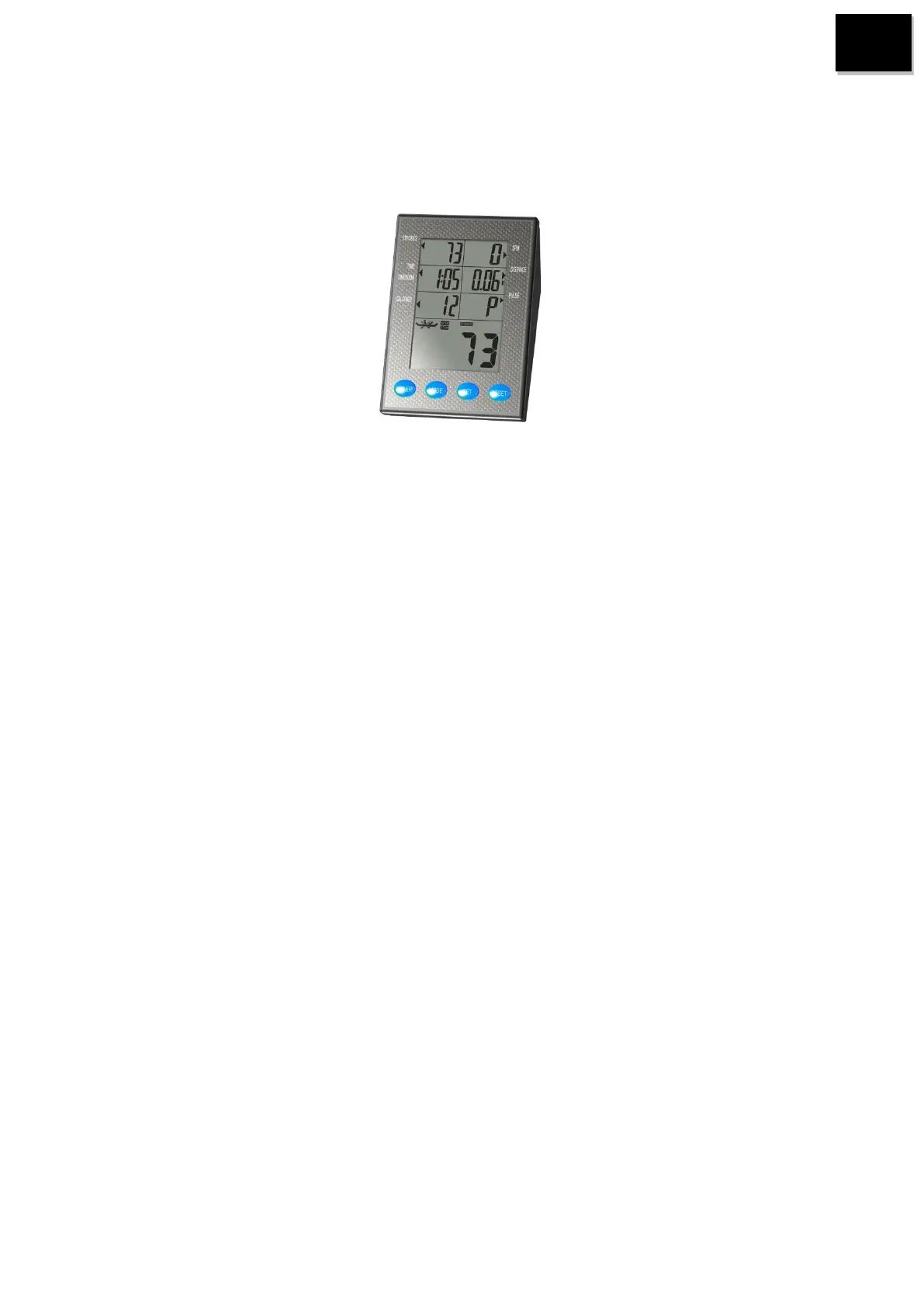
4.3 4.1 Function buttons
1.“MODE”
Press to enter setting value.
Press to select main display function.
Hold 3 seconds to reset all function values.
2. “SET”
Press to set desired function values.
Hold the button to set function values rapidly.
3. „RESET”
Press to reset function value.
Hold 3 seconds to reset all function values.
4. „RECOVERY”
Press to start recovery function while heart rate function is activated. Recovery function can not be
activated if without measuring heart rate first.


 To Next Page