4
®
®
Speed Setting I/P
®
26 I/P
®
73 I/P
®
82 I/P
®
70 I/P
®
88 I/P
®
89
10%
0.4 LPM 0.8 GPM 1.3 LPM 0.8 LPM 1.3 LPM 1.7 LPM
0.11 GPM 0.21 GPM 0.35 GPM 0.21 GPM 0.35 GPM 0.45 GPM
20%
0.8 LPM 1.6 LPM 2.6 LPM 1.6 LPM 2.6 LPM 3.4 LPM
0.22 GPM 0.42 GPM 0.70 GPM 0.42 GPM 0.70 GPM 0.90 GPM
30%
1.2 LPM 2.4 LPM 3.9 LPM 2.4 LPM 3.9 LPM 5.1 LPM
0.33 GPM 0.63 GPM 1.05 GPM 0.63 GPM 1.05 GPM 1.35 GPM
40%
1.6 LPM 3.2 LPM 5.2 LPM 3.2 LPM 5.2 LPM 6.8 LPM
0.44 GPM 0.84 GPM 1.40 GPM 0.84 GPM 1.40 GPM 1.80 GPM
50%
2.0 LPM 4.0 LPM 6.5 LPM 4.0 LPM 6.5 LPM 8.5 LPM
0.55 GPM 1.05 GPM 1.75 GPM 1.05 GPM 1.75 GPM 2.25 GPM
60%
2.4 LPM 4.8 LPM 7.8 LPM 4.8 LPM 7.8 LPM 10 LPM
0.66 GPM 1.26 GPM 2.1 GPM 1.26 GPM 2.1 GPM 2.70 GPM
70%
2.8 LPM 5.6 LPM 9.1 LPM 5.6 LPM 9.1 LPM 12 LPM
0.77 GPM 1.47 GPM 2.45 GPM 1.47 GPM 2.45 GPM 3.15 GPM
80%
3.2 LPM 6.4 LPM 10 LPM 6.4 LPM 10 LPM 14 LPM
0.88 GPM 1.68 GPM 2.8 GPM 1.68 GPM 2.8 GPM 3.60 GPM
90%
3.6 LPM 7.2 LPM 12 LPM 7.2 LPM 12 LPM 15 LPM
0.99 GPM 1.89 GPM 3.15 GPM 1.89 GPM 3.15 GPM 4.05 GPM
100%
4 LPM 8 LPM 13 LPM 8 LPM 13 LPM 17 LPM
1.1 GPM 2.1 GPM 3.5 GPM 2.1 GPM 3.5 GPM 4.5 GPM
AUTOMATIC START ON/OFF (Internal mode only)
Press and hold DIR on power-up. After five (5) seconds, display will read “ON” (factory default) or “OFF”. Hold the
DIR key for an additional 3 seconds and the display will toggle to the other option every 3 seconds. Release the
DIR key when the desired mode is being displayed. After releasing the key, “ON” or “OFF” will remain displayed
for about 3 seconds and then the normal power-on sequence will begin. When “ON” is selected, drive will start
automatically at power-up if it was running when powered down.
SETUP AND DRIVE OPERATION
1. Attach any external control connections. (Model 77411-00 only)
2. Mount pump head and load tubing (see pump head manual).
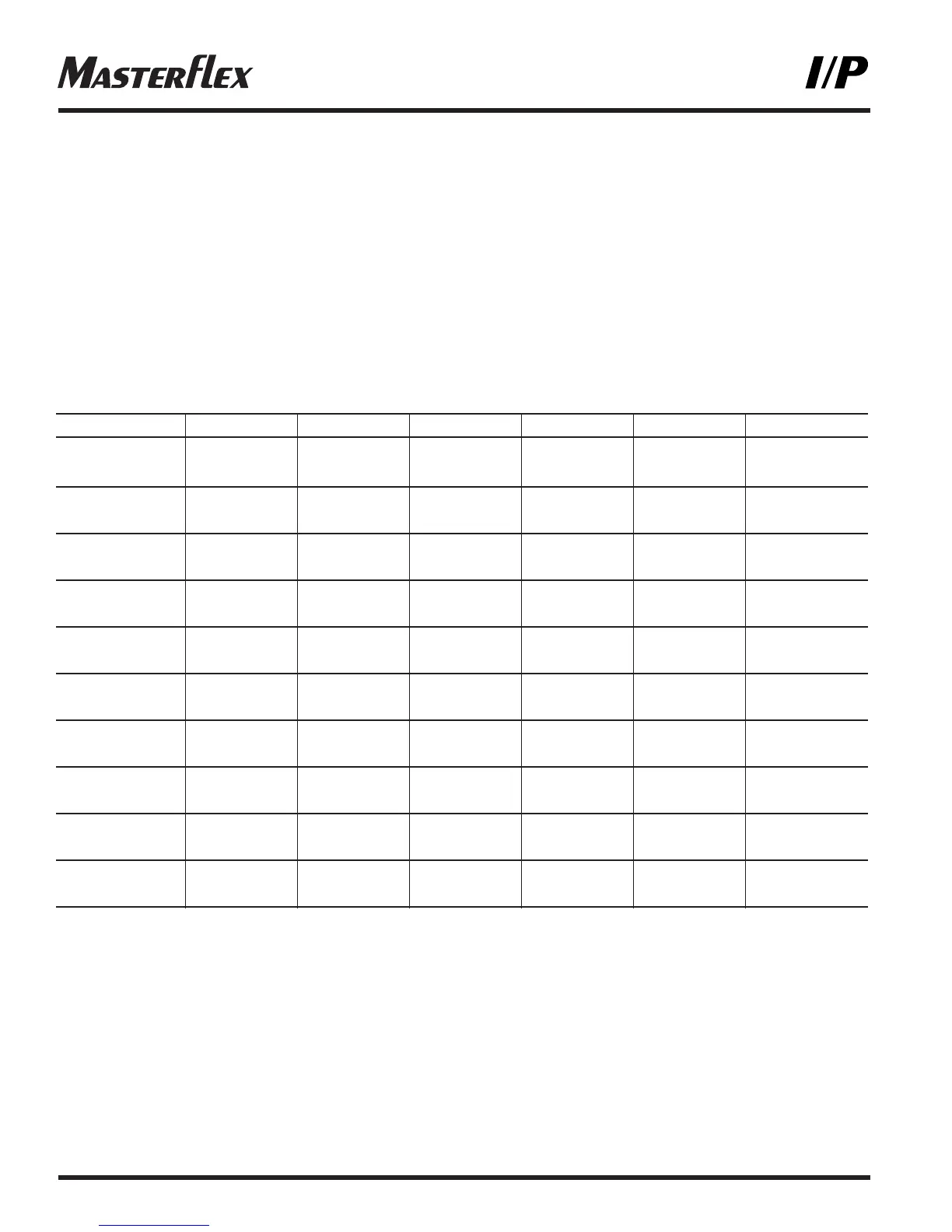
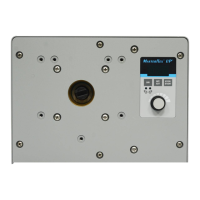
NOTE: The High-Performance I/P
®
pump is mounted with the tubing to the left. The Standard I/P
®
pump is
mounted with the tubing up. The Easy-Load
®
I/P
®
pump is mounted with the occlusion bed up.
3. Turn drive on.
4. Select INTernal or EXTernal operation. (Model 77411-00 only)
5. Select pump DIRection (clockwise or counter-clockwise).
6. Press STOP/START key to begin pumping.
7. Adjust speed (listed flow rates are for reference only. Flow will vary with pressure, tubing, viscosity, and time):
NOTE: While in INTernal mode, drive will automatically restart after a brownout or power out condition unless
operator changes default setting. If speed is being controlled by an external signal, drive will automatically
restart with a non-zero speed command.



 To Next Page