Page 8
NOTE: Do not power a 12V device with the
unit while charging the internal battery.
1.
Make sure the device to be powered is
OFF before inserting the 12V DC acces-
sory plug into the 12V DC accessory
outlet.
2.
Ensure that the battery clamps are
securely clipped on the storage holders.
3.
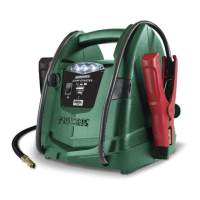
Open the protective cover of one of the
two DC power outlets on the front of the
jump starter.
4.
Plug the 12V DC device into the DC
power outlet, and turn the 12V DC
device on (if required).
5.
When finished, turn off the DC device
(if required) and unplug from the DC
power outlet.
Do not use the unit to run appliances that
draw more than 15A DC.
NOTE: Extended operation of a 12V DC
device may result in excessive battery
drain. Recharge the unit immediately after
unplugging the 12V DC device.
ESTIMATED RUN-TIMES
APPLIANCE TYPE
EST
WATTAGE
APPROX.
USAGE
Cell phone,
fluorescent light
4 watts 54 hrs
Radio, fan,
depth finder
9 watts 24 hrs
Camcorder 15 watts 14.4 hrs
Electrical tool 24 watts 9 hrs
Electric cooler 48 watts 4.5 hours
Car vacuum,
air compressor
80 watts 2.7 hrs
NOTE: Actual time may vary. Times are based on
the internal battery being fully charged.
USING THE USB PORT
The USB port provides up to 2.1A at 5V DC.
1.
Ensure the battery clamps are securely
clipped on the storage holders.
2.
Plug the device into one of the two
USB ports on the front panel.
3.
Press the USB port ON/OFF button.
4.
Turn on the USB device.
5.
When you are finished using the USB
port, press the button, to turn off.
6.
Charge the unit.
NOTE: To protect your electronic devices,
the USB will automatically shut off when
the internal battery’s charge is low.
USING THE AIR COMPRESSOR
Read the instructions
of the product being inflated before using
the compressor. Avoid overinflation; do not
exceed the manufacturer’s recommended
pressures. Do not leave the air compressor
unattended during use.
1.
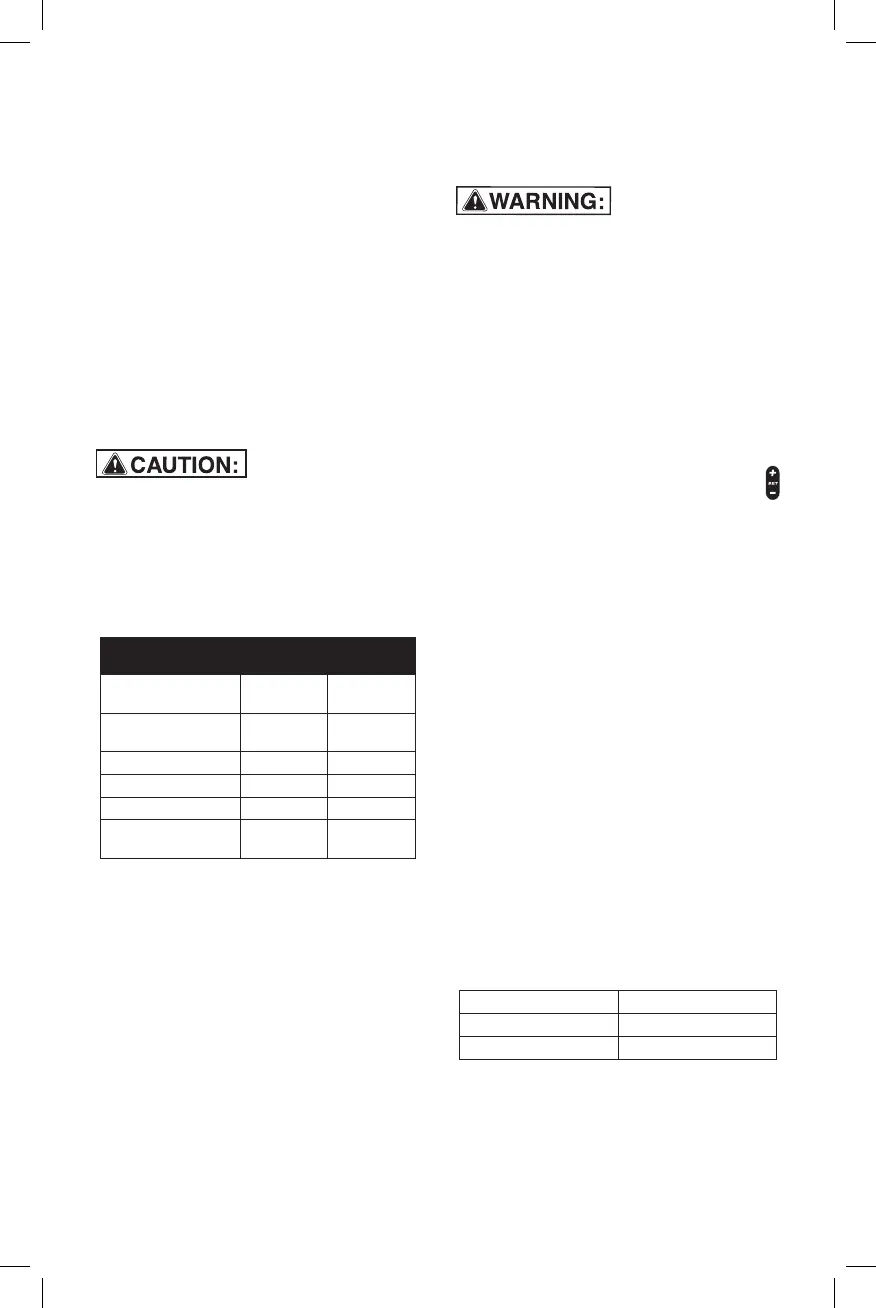
Remove the air compressor hose from
the storage compartment in the back
of the jump starter.
2.
Connect the adapter to the valve stem
by threading it onto the end. If neces-
sary, use one of the additional adapters.
3.
Press the Select button, and choose
Compressor.
4.
To select the desired PSI, press
then press ON/OFF.
5.
When the desired pressure is reached,
the compressor will turn off. Remove
the connector from the valve stem.
6.
Do not run for more than 10 minutes at
a time. Allow the jump starter to cool
down for 10 minutes before using again.
7.
Wrap the compressor hose around the
cleats when it is not being used.
8.
Allow unit to cool.
9.
Recharge the unit before storing.
NOTE: To prevent overheating, the com-
pressor has built-in thermal protection
that will turn the compressor off before
it overheats. If the compressor shuts off,
wait a few minutes and it will automati-
cally restart when the compressor cools.
NOTE: When not in use, the compressor
will automatically shut off after 2 minutes.
NOTE: The air compressor is rated for
100 PSI maximum.
ESTIMATED TIME FOR INFLATING
Vehicle tires 13-16" 5-8 minutes
Bike tires 1-3 minutes
Sports balls 30 seconds
These times are approximate. Use the air com-
pressor gauge to ensure the proper pressure
has been reached. Do not overinflate.


 To Next Page