16 17
CHAPTER 5: Overlay description / enGineerinG mode CHAPTER 5: Overlay description / enGineerinG mode
5.5 WORKOUT SETUP STEPS
HEART RATE +
A) TARGET HR / WEIGHT LOSS
1) Repeatedly Press the “HEART RATE+” key to select “TARGET HR” or “WEIGHT LOSS”, and then press SELECT
2) “SELECT AGE” using the RIGHT / LEFT ARROW keys, and then press SELECT.
3) “SELECT HR” using the RIGHT / LEFT ARROW keys, and then press SELECT.
4) “SELECT TIME” using the RIGHT / LEFT ARROW keys, and then press SELECT.
5) “SELECT WEIGHT” using the RIGHT / LEFT ARROW keys, and then press SELECT.
6) Press START to begin the workout.
B) FIT TEST
1) “SELECT GENDER” using the RIGHT / LEFT ARROW keys, and then press SELECT.
2) “SELECT AGE” using the RIGHT / LEFT ARROW keys, and then press SELECT.
3) “SELECT LEVEL” using the RIGHT / LEFT ARROW keys, and then press SELECT.
4) “SELECT WEIGHT” using the RIGHT / LEFT ARROW keys, and then press SELECT.
5) Press START to begin the workout.
The tables below list fit test results:
FIT TEST’S RESULT FOR MALE
Male
Rating
Age
Estimated VO2 Max (ml/kg/min) Per Age Category
Excellent GOOD
AVERAGE POOR
18 – 25
26 – 35
36 – 45
46 – 55
56 – 65
65 +
<79
<81
<83
<87
<86
<88
79-89
81-89
83-96
87-97
86-97
88-96
90-99
90-99
97-103
98-105
98-103
97-103
100-105
100-107
104-112
106-116
104-112
104-113
106-116
108-117
113-119
117-122
113-120
114-120
117-128
118-128
120-130
123-132
121-129
121-130
>128
>128
>130
>132
>129
>130
ABOVE
AVERAGE
BELOW
AVERAGE
VERY
POOR
FIT TEST RESULT FOR FEMALE
Female
Rating
Age
Estimated VO2 Max (ml/kg/min) Per Age Category
Excellent GOOD
AVERAGE POOR
18 – 25
26 – 35
36 – 45
46 – 55
56 – 65
65 +
<85
<88
<90
<94
<95
<90
85-98
88-99
90-102
94-104
95-104
90-102
99-108
100-111
103-110
105-115
105-112
103-115
109-117
112-119
111-118
116-120
113-118
116-122
118-126
120-126
119-128
121-129
119-128
123-128
127-140
127-138
129-140
130-135
129-139
129-134
>140
>138
>140
>135
>139
>134
ABOVE
AVERAGE
BELOW
AVERAGE
VERY
POOR
5.6 USING FITNESS NETWORKING
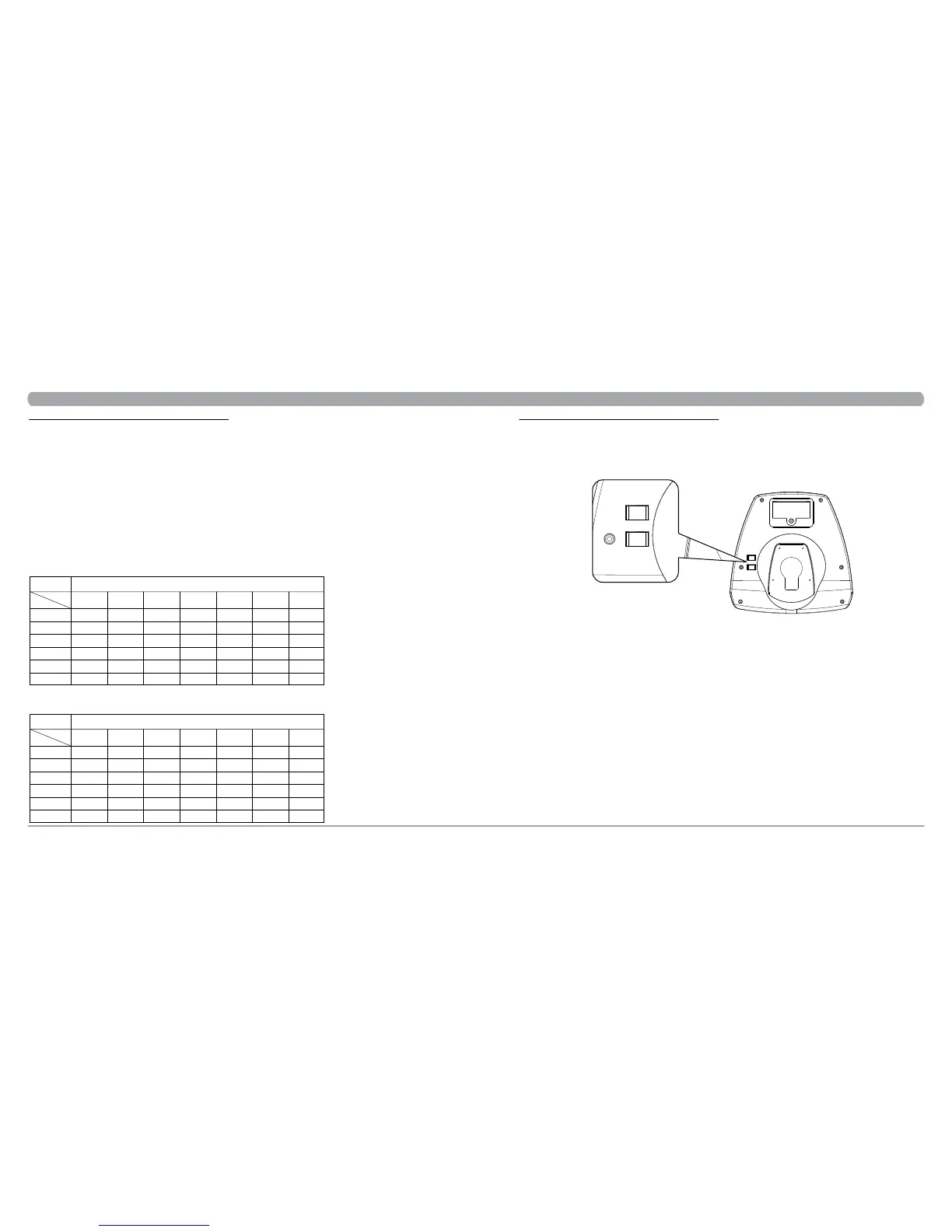
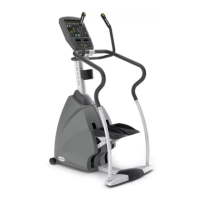
The two RJ45 networking ports are equipped in Matrix Stepper S1x. These ports allow the stepper to be connected to a fitness entertainment
system and/or a fitness network, such as FitLinxx®.
C-SAFE / CARDIO PORT
The ports are located on the back of the console. The C-SAFE port enables the stepper to upload user workout statistics to a fitness network database. The
CARDIO port is compatible to entertainment protocol such as Cardio Theater® or BroadcastVision™.
C-SAF E
CARDI O
C-SAF E
CARDI O


 To Next Page