40
9.4 CONSOLE KEYPAD / OVERLAY REPLACEMENT - CONTINUED
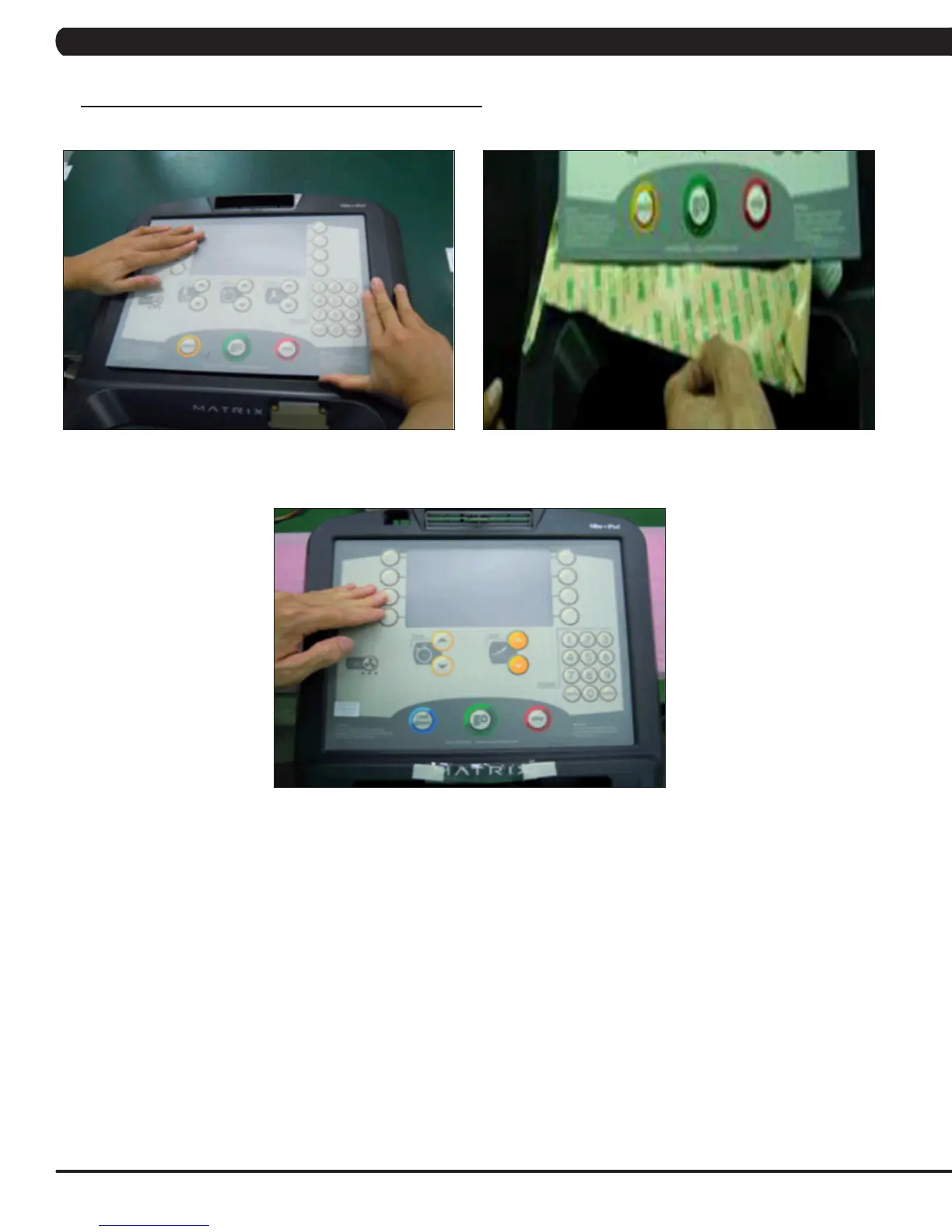
FIGURE G FIGURE H
FIGURE I
7) Press down on the corners of the overlay / keypad to keep it in place. Then remove the protective film (Figures G & H).
8) Once the overlay / keypad is in the correct position, press down on it to adhere it in positions (Figure I).
9) Use the same procedure to replace any additional faulty overlays / keypads. NOTE: Overlays / keypads cannot be re-used.
CHAPTER 9: PART REPLACEMENT GUIDE



 To Next Page