26
Chapter 4, Monitoring Your Matrox CompressHD System
Displaying hardware information
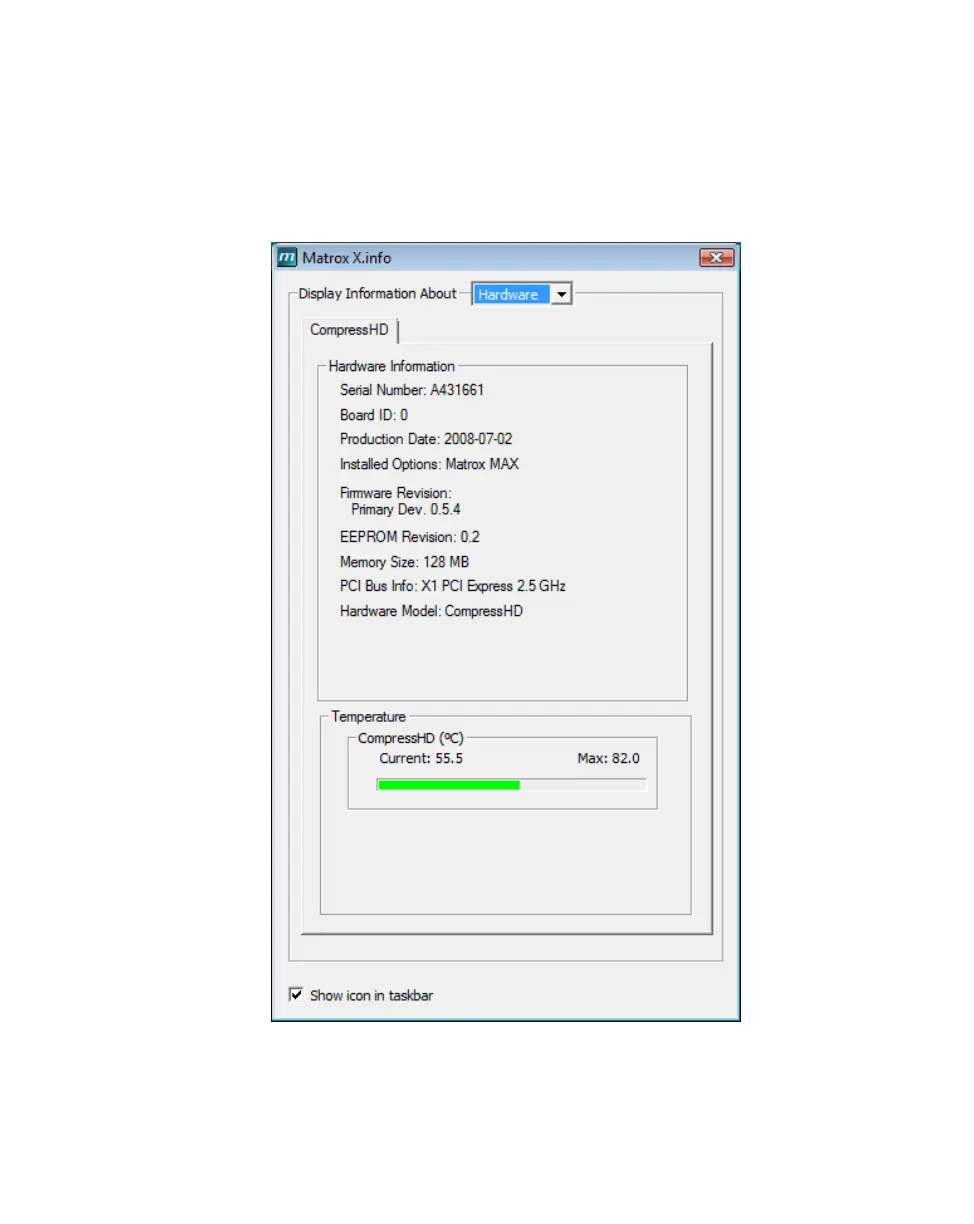
To display information about your Matrox CompressHD hardware, select
Hardware from the Display Information About list. This displays a page with
hardware information (for example, serial number and production date). You can
also monitor the current and maximum operating temperatures for your
CompressHD card.
¡ Important Whether or not you have opened Matrox X.info, if your
CompressHD card exceeds the maximum operating temperature, you’ll receive a
warning message with further instructions as explained in the section “Error
notification” on page 27.











 To Next Page