Matrox QuadHead2Go Series – User Guide 32
Using control buttons on your
QuadHead2Go device
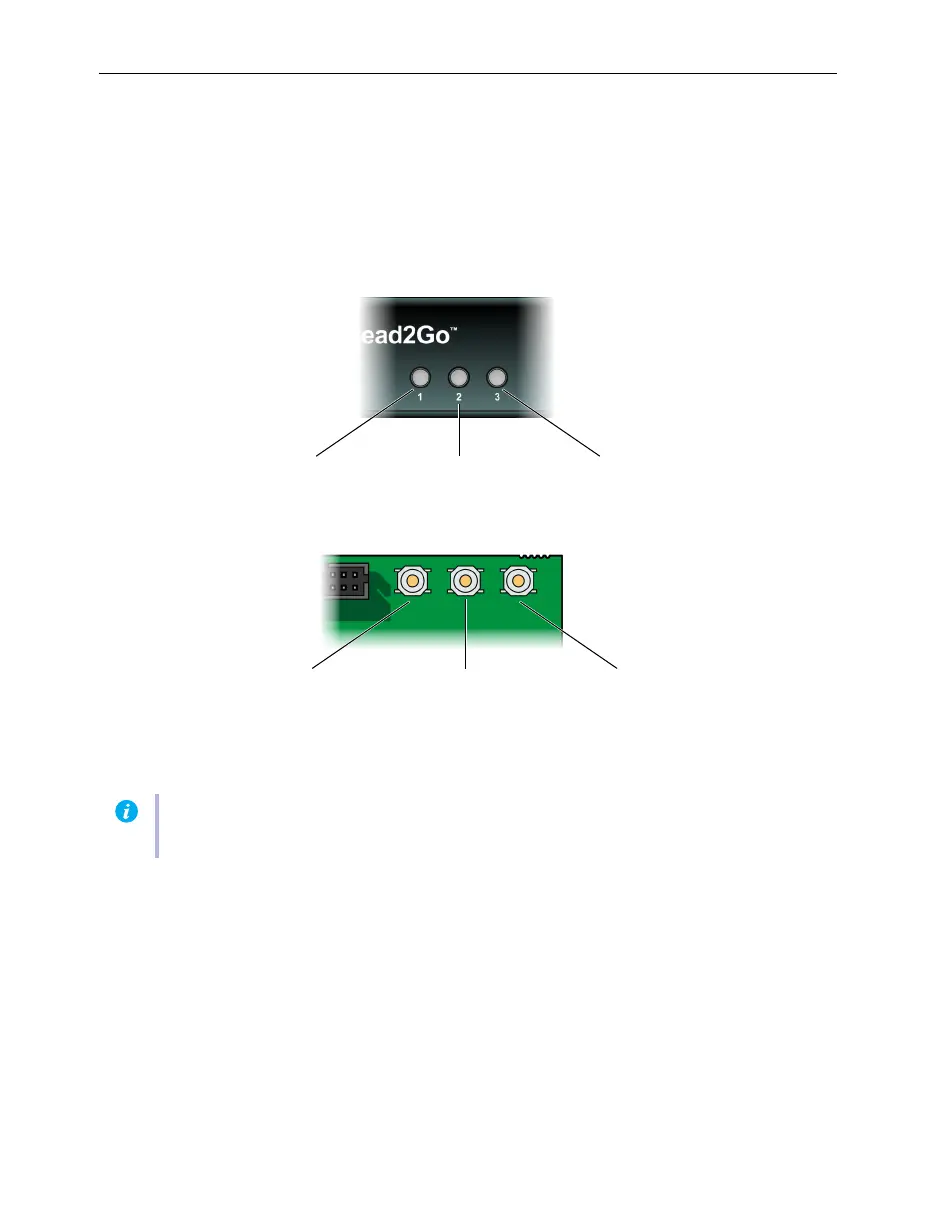
You can use the control buttons at the front of your QuadHead2Go unit and in the upper left corner
on your QuadHead2Go card to select the source image, select your layout, or view information about
your device.
Press a control button once to view its corresponding on-screen menu. Press the button again to cycle
through the menu options. Stop pressing the button to apply the current selection.
Note:
If LED B (right) turns to red when a button is pressed on your QuadHead2Go unit, the
buttons on your unit are disabled. For more information, see “Description of status LEDs”.
Source selectionDevice information
Source selection Layout configuration
Device information
Layout configuration
QuadHead2Go unit
QuadHead2Go card
123



 To Next Page