12 Matrox TripleHead2Go – User Guide
5
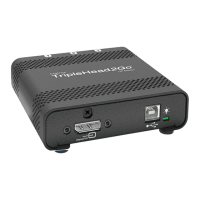
Connect the external power
supply
Attach one end of the power supply cable
provided with your Matrox product to the
power connector on your Matrox product.
Plug the power supply cord into an electrical
outlet.
Your Matrox product is now connected. Restart your computer and install your Matrox software (see
“Installing your Matrox software”, page 29).


 To Next Page