Matrox TripleHead2Go – User Guide 31
4
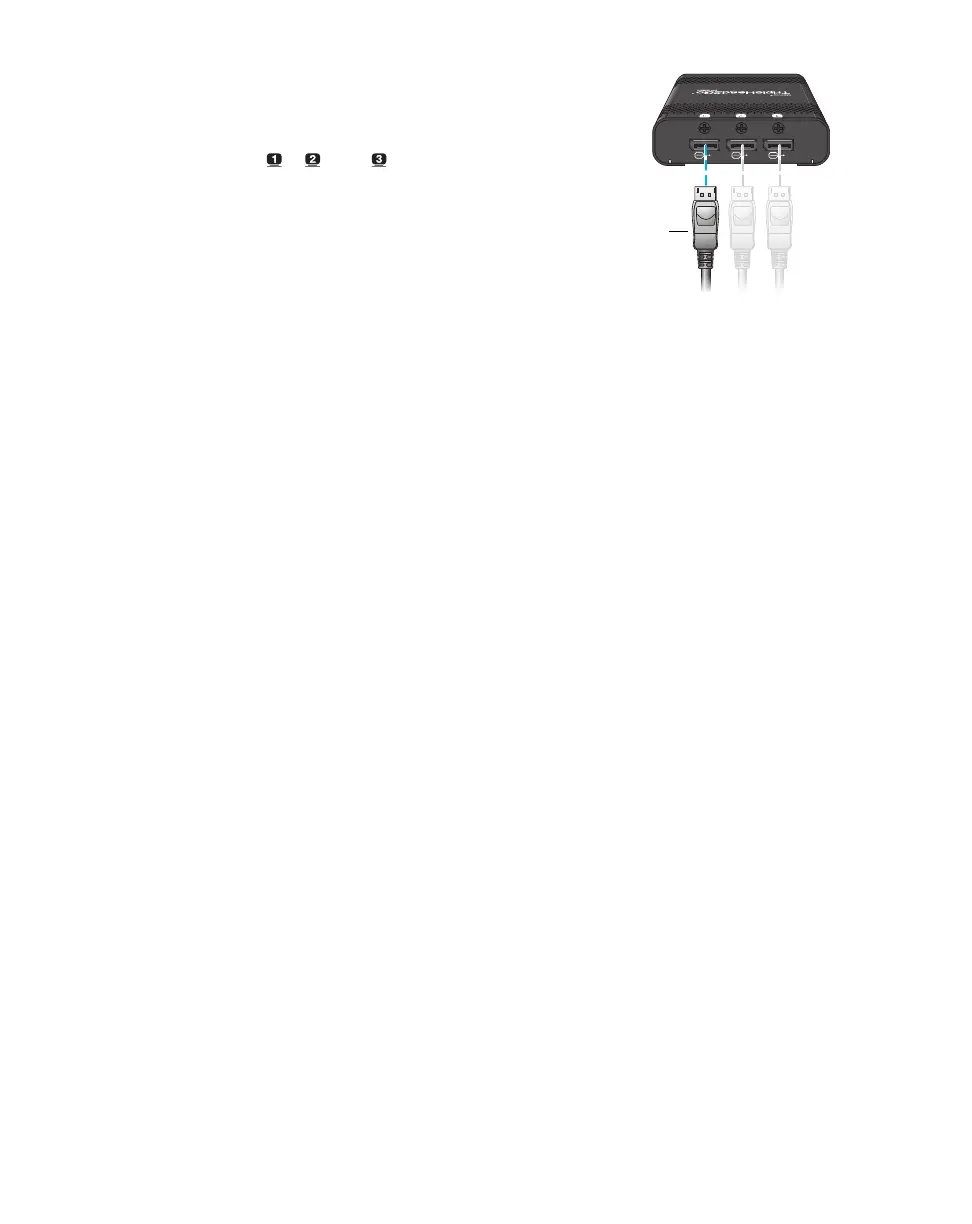
Connect the monitors
Use your monitor cables to connect each
monitor directly to the connectors labeled
( ), ( ), and ( ) on your Matrox
product.
For more information, see the “Step-by-step connection setup” for your product.
Monitor cable
(DisplayPort)



 To Next Page